Introduction: In an era where our devices continuously evolve to match our growing productivity needs, the Samsung Galaxy S26 Ultra stands out as a game-changer. This remarkable smartphone has redefined the concept of mobile computing through its innovative DeX feature, allowing users to transform their phones into fully functional desktop environments. Over the course of a week, I traded in my laptop for the Galaxy S26 Ultra, managing to handle all my work tasks seamlessly. Here's how it fared as my sole computing device.
Samsung's DeX service has intrigued users since its launch in 2017, evolving from a desktop dock setup to a more versatile system integrated directly into phones. Gone are the days where you needed bulky accessories— now, just your Galaxy S26 Ultra is enough!My Daily Workflow: Just a Phone?
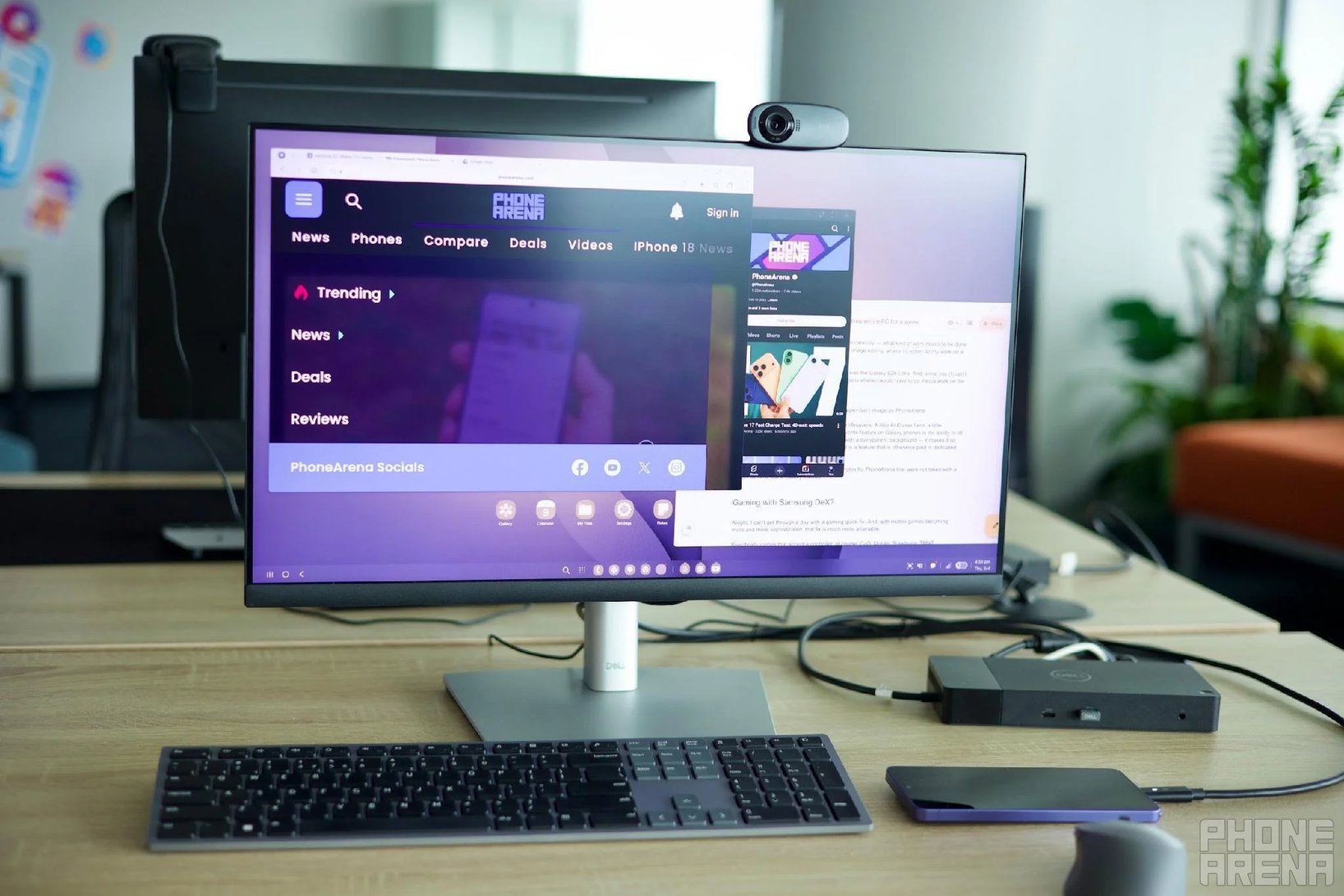
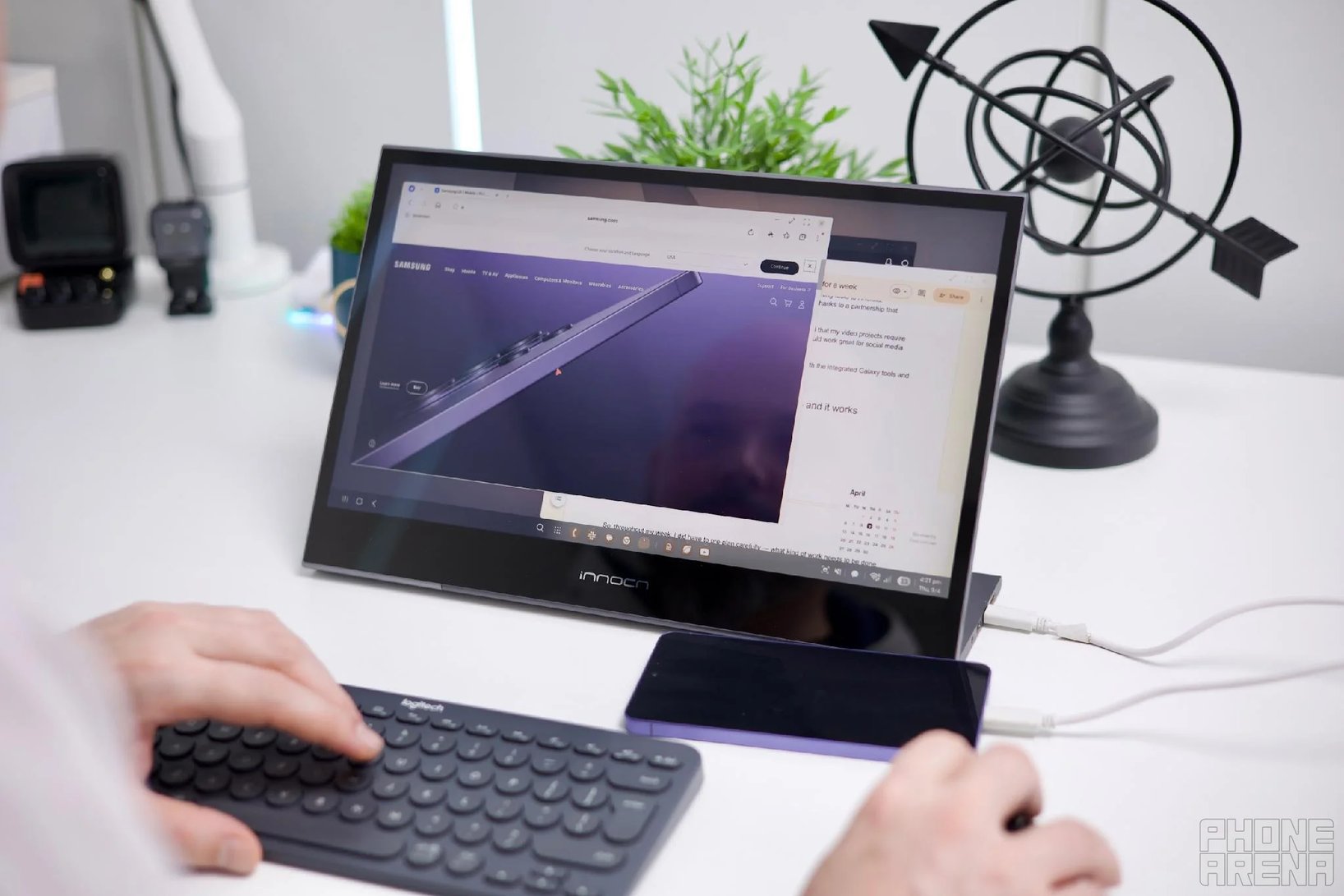
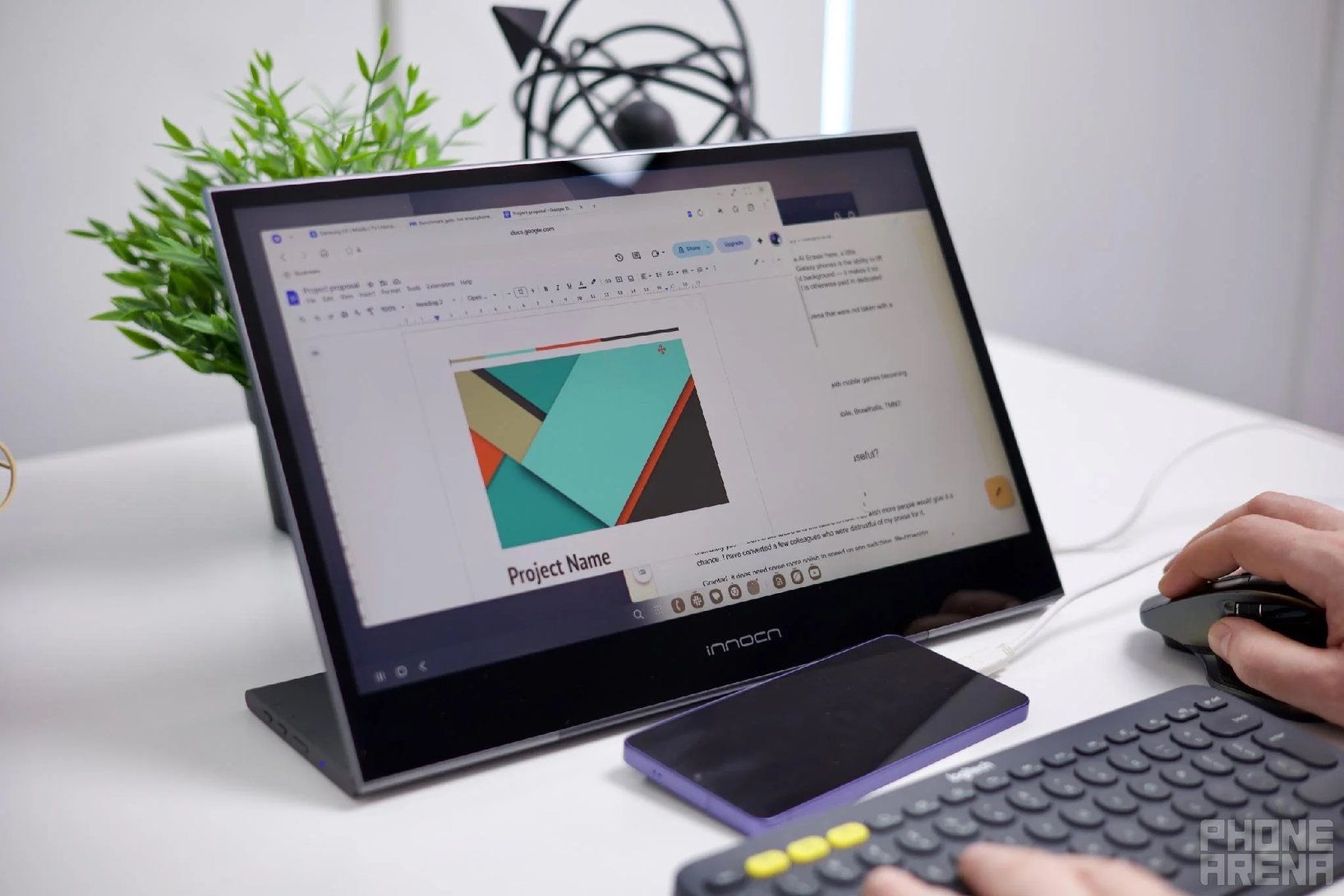
While managing tasks like extensive internet browsing, text editing, and email correspondence, the DeX platform on the Galaxy S26 Ultra met all my needs. I could run multiple apps, keep dozens of browser tabs open, and even enjoy music in the background, just like I would on a traditional desktop.
Is a Laptop Still Necessary?
Connect your Galaxy S26 Ultra to your monitor, and you’re ready to go!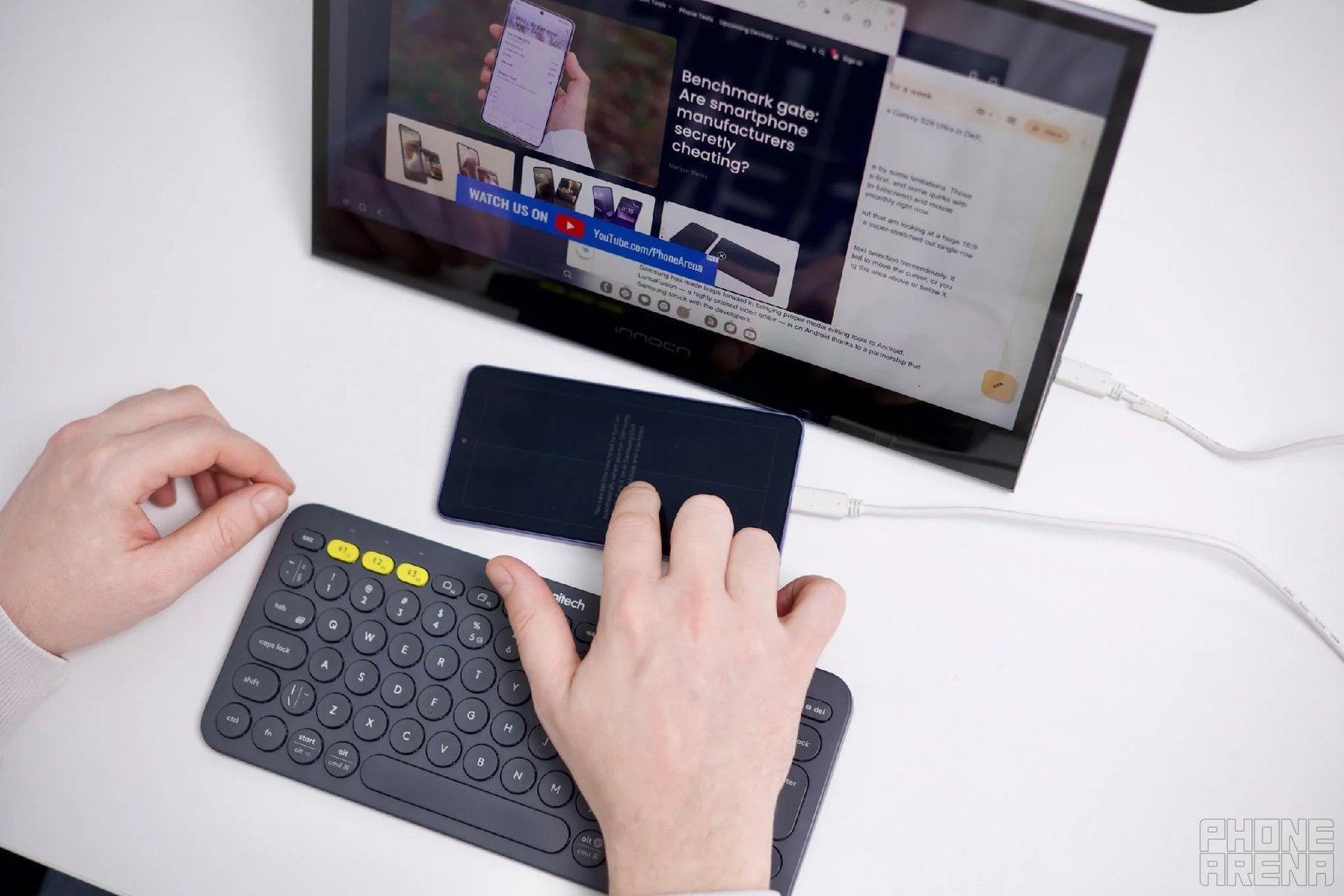
Finding Balance in Hybrid Work
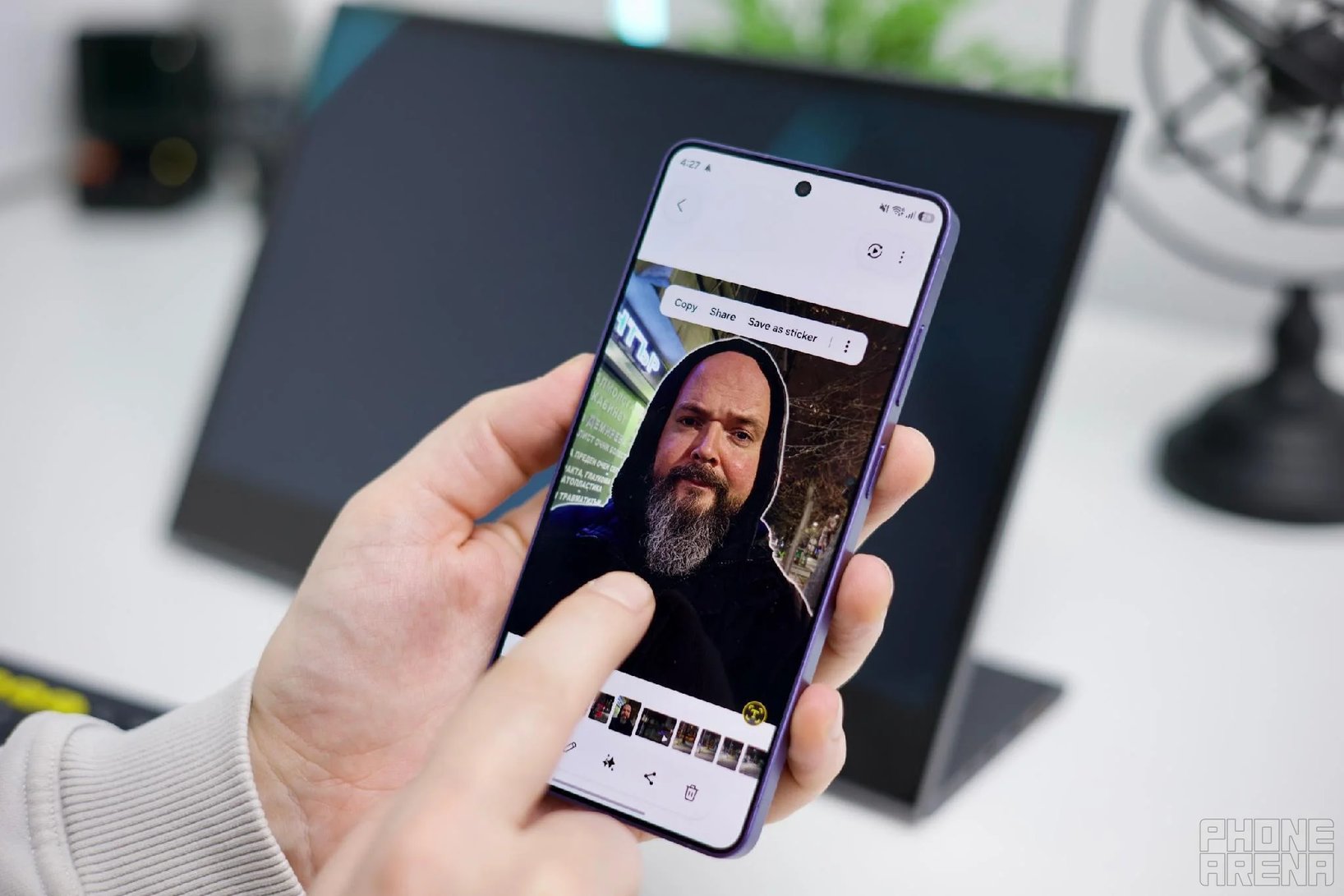
The Galaxy S26 Ultra proved its worth even in moments of unexpected media production. Features like the AI Eraser and Background Remover turned out to be invaluable when I needed to produce content quickly.
Enhanced Gaming with DeX
Gaming was surprisingly enjoyable with the Galaxy S26 Ultra and DeX. Popular titles such as CoD: Mobile and TMNT: Shredder’s Revenge worked flawlessly, proving that this phone can handle more than just work tasks.
Is Samsung DeX on the Galaxy S26 Ultra Worth It?
Having a Samsung account and network connection unlocks additional AI features, effortlessly integrating various work tasks.