Security Flaw in AirDrop and Quick Share Poses Risks to Millions of Devices
Recent discoveries by security researchers have unveiled vulnerabilities in Apple’s AirDrop and Android's Quick Share features. These flaws could allow unauthorized users nearby to disrupt the sharing capabilities of your devices, such as the latest iPhone 17 Pro Max, Galaxy S26 Ultra, and Pixel 10 Pro. While Apple has addressed one of three vulnerabilities identified in AirDrop, concerns remain over the overall security of proximity-based sharing protocols.
A Nearby Laptop Can Create Chaos
According to Arash Ale Ebrahim, a security researcher at the CISPA Helmholtz Center for Information Security, these issues highlight common engineering challenges across sharing protocols. This is not limited to either Apple or Google, indicating systemic vulnerabilities across the board.
Implications for iPhone and Galaxy Users
Whether you own a Galaxy S26 Ultra or a Pixel 10 Pro, understanding these vulnerabilities is crucial. Google previously disabled the always-on “Everyone” mode from Quick Share in response to similar concerns, emphasizing that both platforms face similar risks.
Who Needs to Worry and How to Protect Yourself
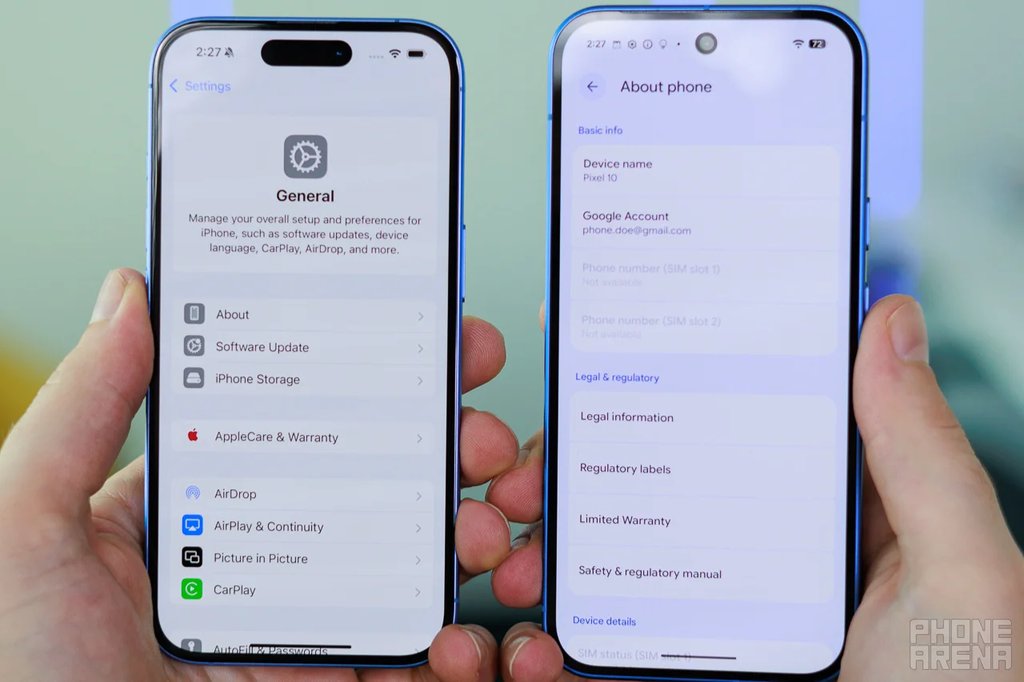
Steps to Reduce Your Vulnerability
- For iPhone users: Open Settings, tap General, then select AirDrop.
- Set the AirDrop setting to Contacts Only, or turn Receiving Off when not sharing.
- For Android users: Access Quick Share settings and limit visibility to your devices or contacts, rather than selecting Everyone.
A Software Patch is Coming, But Review Your Settings Now
Before you go, consider checking out these additional resources:
- Full review of the iPhone 17 Pro Max.
- Review of the Galaxy S26 Ultra for the Android perspective.
- Follow me, JoJo, on X and Threads at @jojothetechie for more insights and updates.