Unlocking the Creative Potential of the Galaxy S26 Ultra Camera in Pro Mode
With the advancements in smartphone photography, the Galaxy S26 Ultra stands out for its incredible camera capabilities. While the automatic settings are impressive, the Pro mode offers photographers a chance to unleash their creativity and take control of their shots. This article will delve into how to master the Pro mode, ensuring you can elevate your photography to new heights.
Pro mode is the Galaxy S26 Ultra's manual shooting interface that empowers you to take full control of your camera settings. Instead of relying on automatic adjustments, you get direct access to critical settings such as shutter speed, ISO sensitivity, exposure compensation, autofocus, and white balance. Each setting has its control slider for tailored adjustments.
RAW Photos: The Power of Flexibility
One of the notable features of Pro mode is the ability to capture images in RAW DNG format. Unlike standard JPEGs, RAW files retain more information for post-processing, offering you greater flexibility to enhance your photos. This is particularly beneficial in challenging lighting conditions or when you plan to edit images extensively.
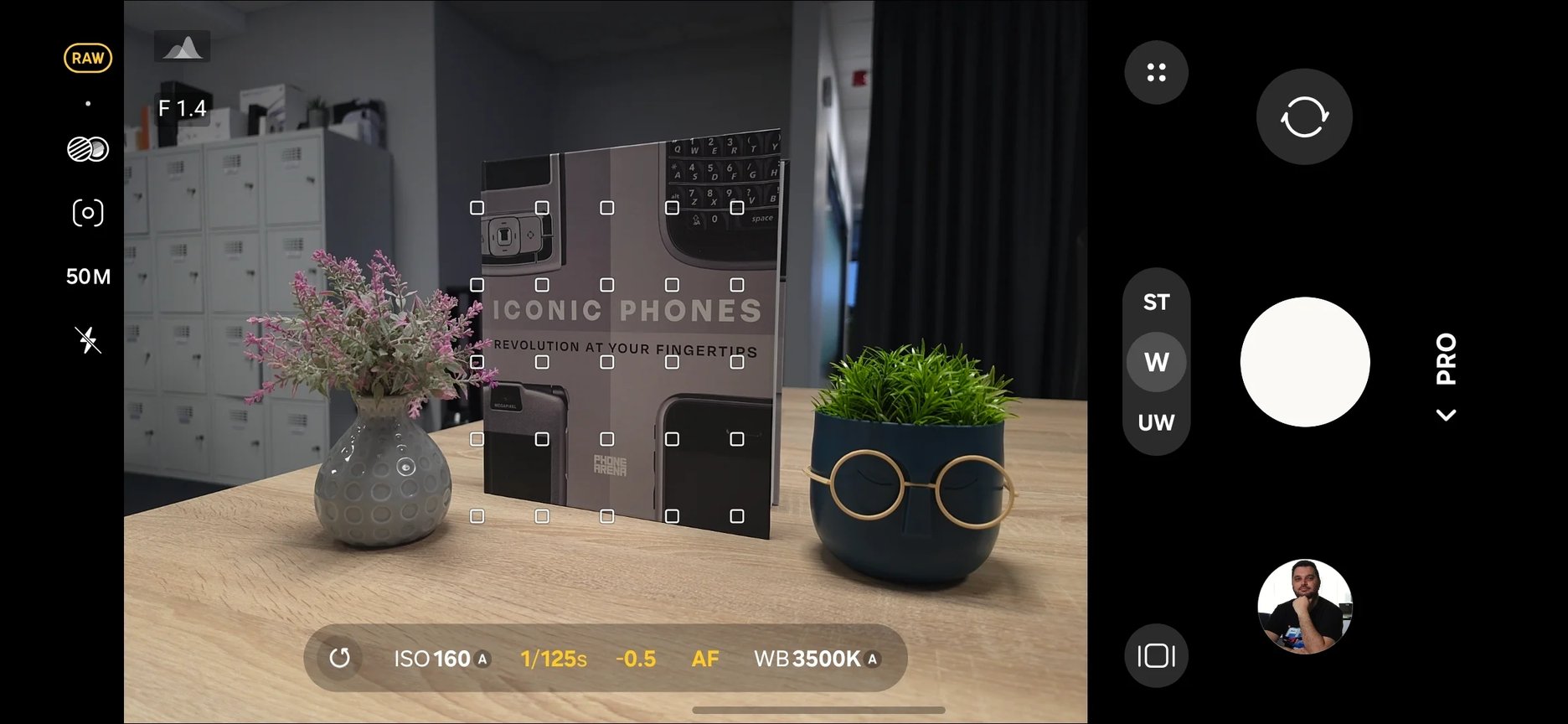
Image by PhoneArena
Understanding Zoom Behavior
Pro mode allows you to fine-tune the zoom capabilities of your camera:
- Up to 3X with the ultrawide lens
- Between 1X and 10X with the main camera
- Between 3X and 15X with the telephoto camera
- Between 5X and 25X with the super telephoto camera
This control is essential for maintaining consistency in your shots without the camera automatically switching lenses.
Utilizing Monitoring Tools
Accurate exposure is crucial, especially in high-contrast scenes. Pro mode provides metering options that significantly enhance your control over light exposure:
- Center-weighted metering: Best for well-lit subjects close to the camera.
- Spot metering: Ideal for backlit subjects; it adjusts exposure based on a selected point in the frame.
- Matrix metering: Great for landscapes, measuring light across the entire frame.
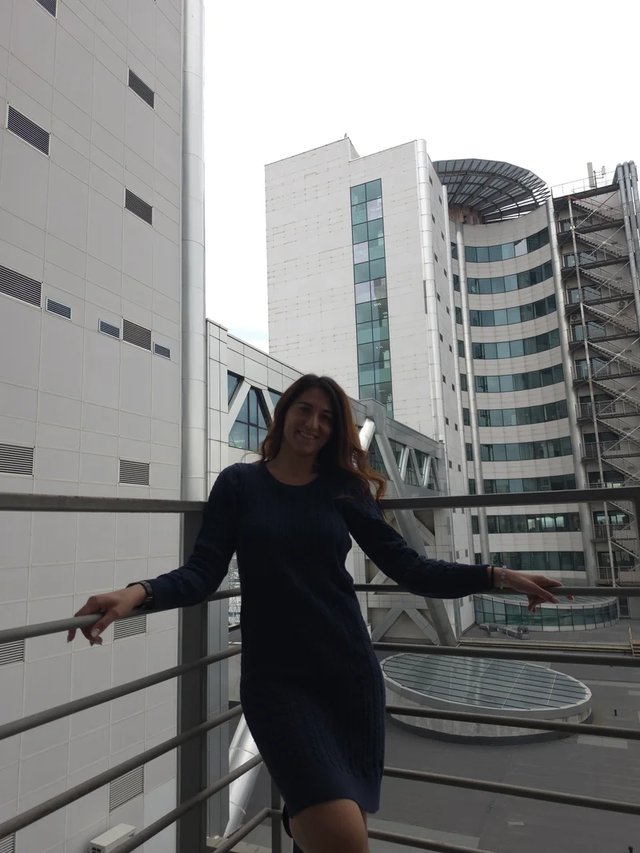
Spot metering captures detail in backlit subjects.
Diving into Expert RAW
In addition to Pro mode, the Galaxy S26 Ultra features Expert RAW, an optional add-on that offers enhanced RAW capabilities with post-processing and noise reduction. This is perfect for photographers looking for maximum control over their images.
The layout remains familiar, but Expert RAW introduces unique features, such as:
- Multiple exposures: Combine multiple pictures into a single artistic shot.
- Neutral Density filter: Control the amount of light entering the lens, perfect for long exposures on bright days.
- Virtual aperture: Adjust depth of field digitally to keep subjects in sharp focus.
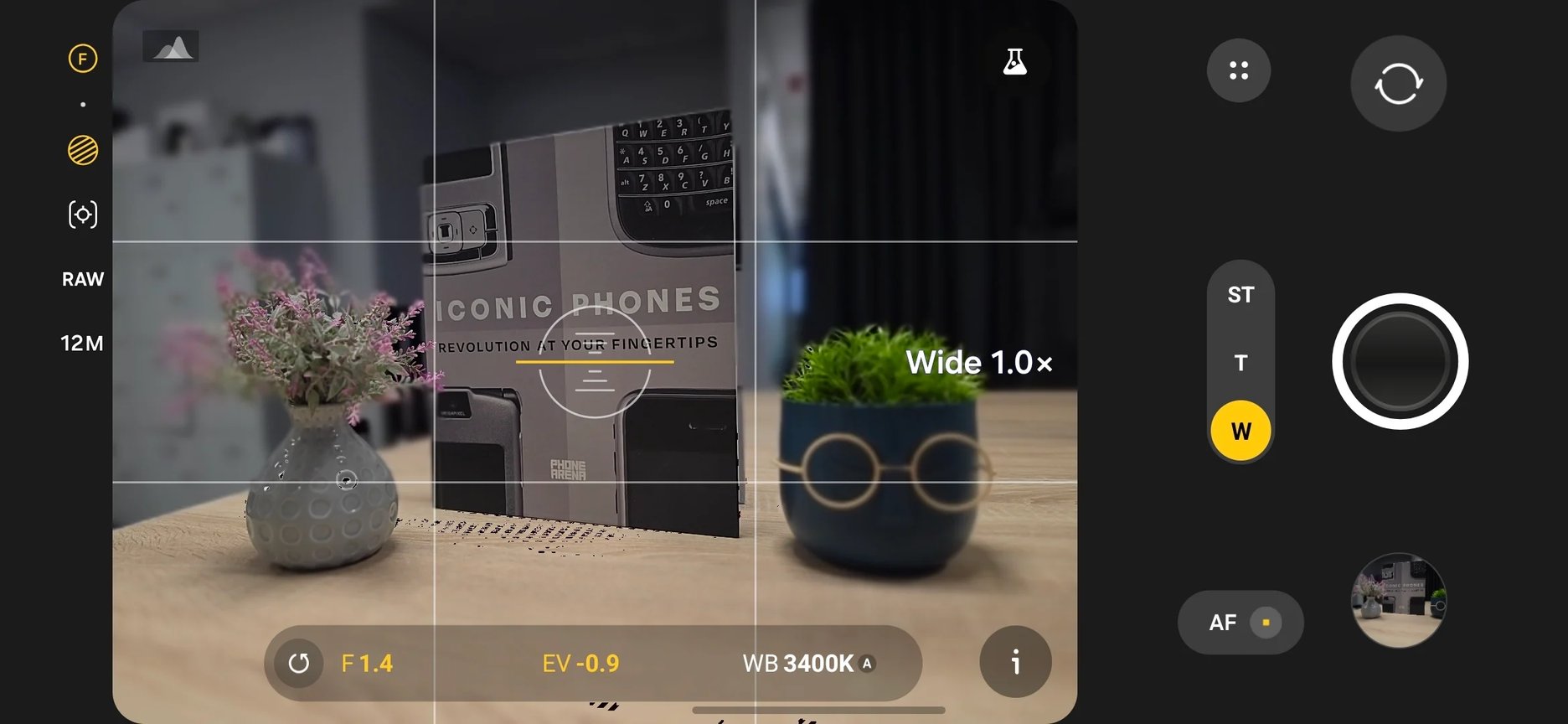
Image by PhoneArena
Night Photography Features
Expert RAW also includes specialized modes for photographing the night sky:
- Night Sky: Default settings to capture celestial beauty.
- Astrophoto: Capture long exposures and celestial objects effectively.
- Astroportrait: Combine portraits with stunning night scenes.
- Virtual reflector: Enhance portrait lighting using simulated lights.
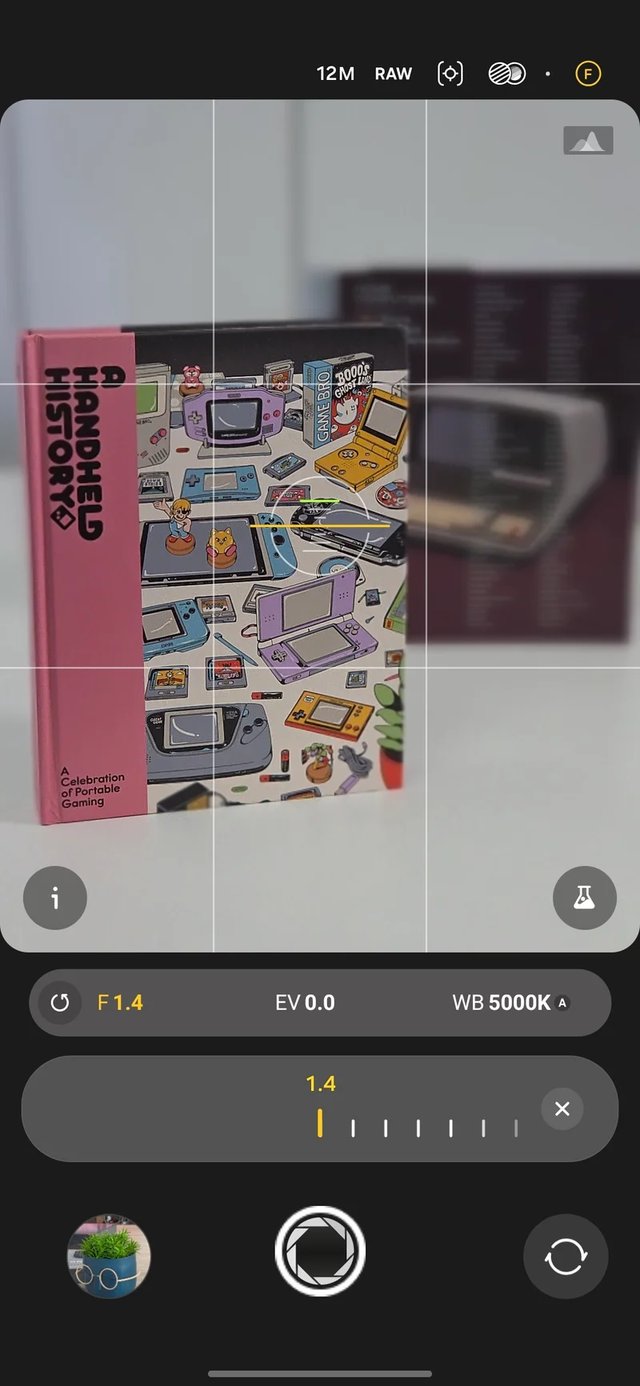
See the lighting transformation with Virtual Reflector.
Conclusion
Mastering the Pro mode on the Galaxy S26 Ultra opens doors to endless creative possibilities in photography. With precise control over settings and additional features in Expert RAW mode, you can elevate your photography and capture images that truly reflect your artistic vision.