In an era dominated by familiar smartphone designs and repetitive software features, Nothing Playground emerges as a refreshing alternative that captivates and inspires a loyal following. With its cutting-edge features and a distinct approach to user interaction, Nothing Playground has not only caught my attention but has transformed my experience with mobile technology. Let’s dive into the innovative components that set this platform apart.
- Innovative Camera Presets
- Engaging Essential Apps
- Nostalgic Glyph Toys
- Customizable EQ Profiles
Before we delve deeper, it’s worth noting that some features are still in development but are operating quite reliably. Additionally, certain functionalities may work best on a primary Android account, which is crucial for users like me who juggle multiple accounts on their devices.
Innovative Camera Presets
Enhancing Mobile Photography
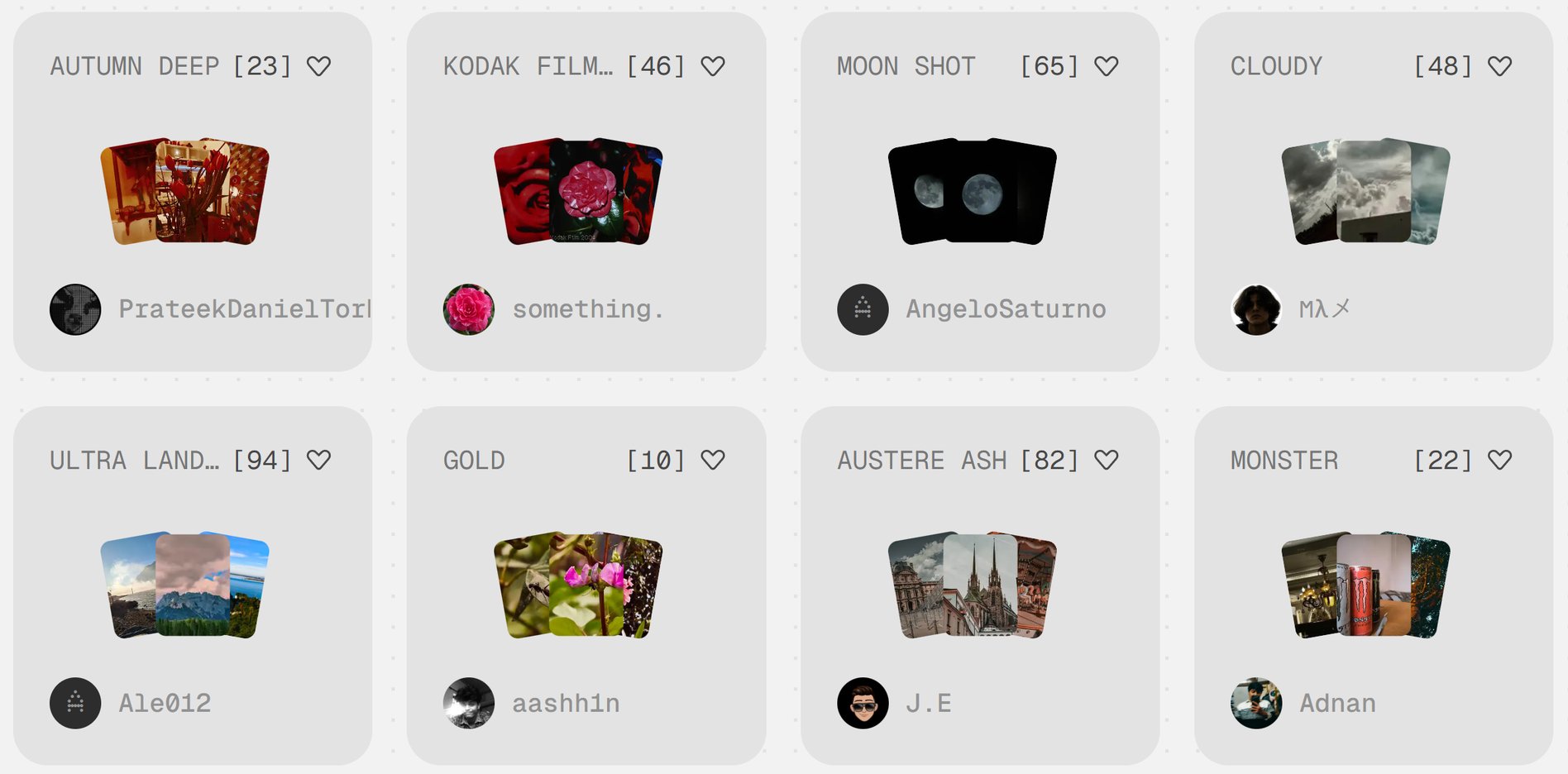
A minor drawback is that the preset used does not appear in the image’s metadata. While not flawless, these presets are easily adjustable for optimal results. My favorite experience involved using the Nothing Phone (3) with its macro mode, where I faced challenges akin to those encountered with traditional cameras: the wind, lighting, and maintaining a close focus without disturbing the subjects. The experience felt incredibly real and engaging.
Despite experiencing difficulties capturing my living subjects, I was astounded by the authentic feel of the photography process. The Nothing Phone (3) proved to be quite the companion, even if the varied presets occasionally created a disconnection between my actions and the camera’s response.
How to Access the Camera Presets:
- Open the Nothing Playground
- Go to the Camera presets section
- Select your desired preset
- Scan the provided QR code
- Voila! It’s now in your Camera app!
Engaging Essential Apps
Reinventing the Widget Experience
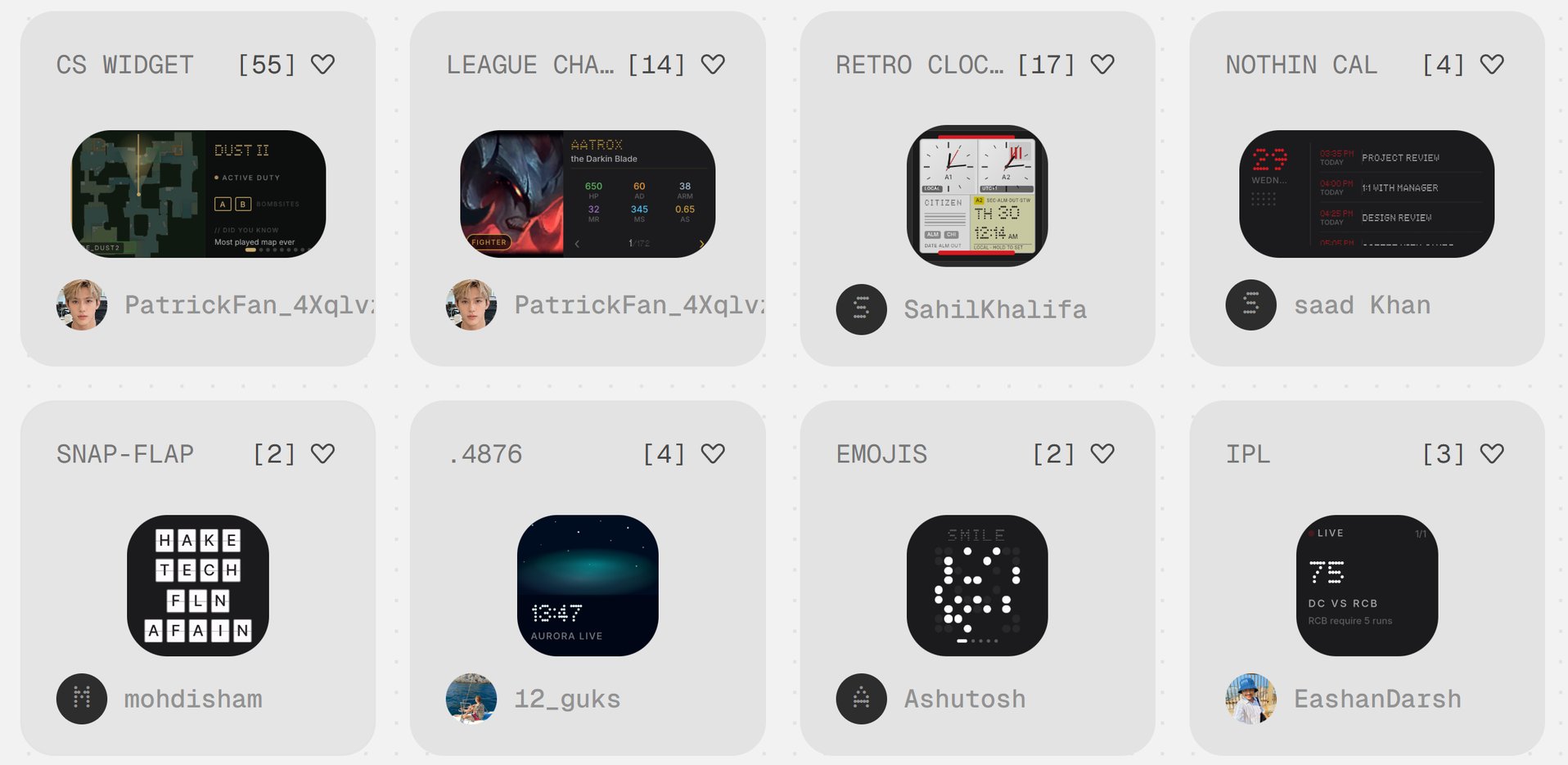
These features, which can essentially be classified as widgets, possess an engaging quality that lies beyond their basic utility. Acquiring these apps is a breeze — simply scan a code, and they become part of your widget collection. Many of these are more interactive than conventional widgets, enhancing the user experience significantly.
Nostalgic Glyph Toys
Bringing Back Memories in a Modern Context
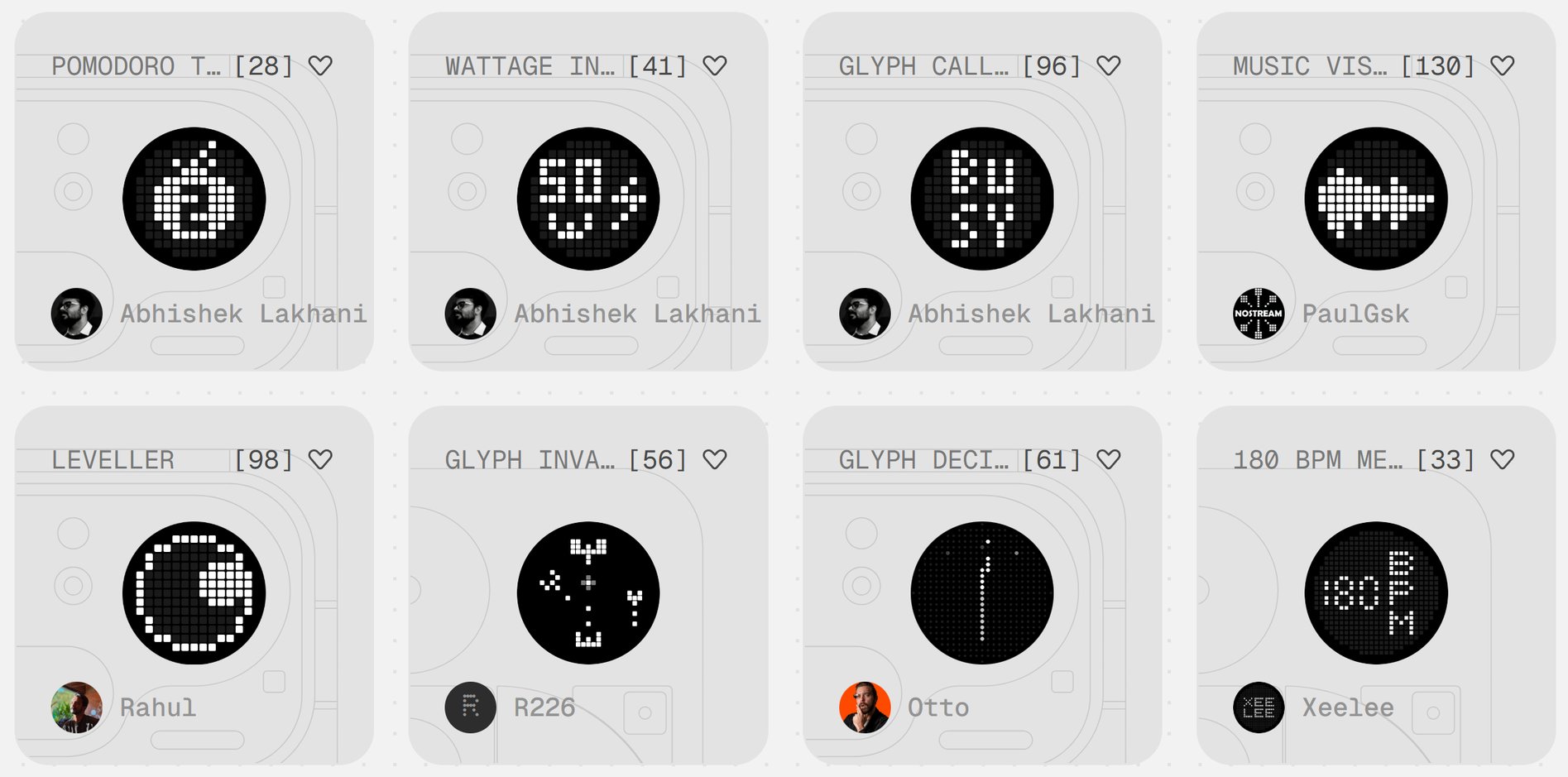
Glyph Toys focus on enhancing functionality with the small screen on the back of Nothing phones. However, it's critical to emphasize that while these small screens are visually identical, the compatibility is limited across different phone models, which can be a drawback.
The Joy of Nothing Playground
Embracing Play in Mobile Technology
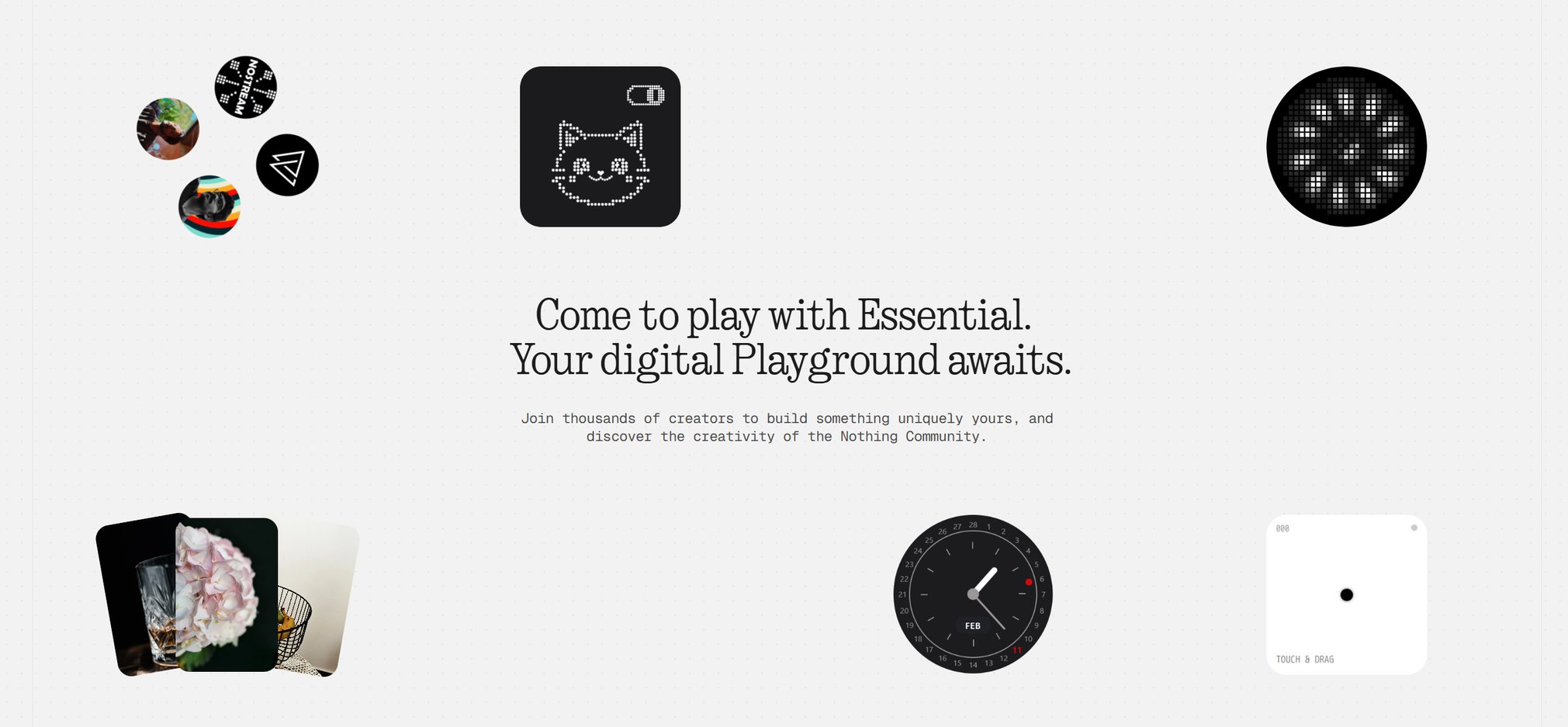
Nothing Playground not only provides a medium for creativity but showcases the potential for continuous improvement. After two weeks of exploration, it’s evident that user engagement is thriving, with ongoing updates reflecting a vibrant community dedicated to sharing and innovating.
A Closer Look at Nothing Phone (3)
A Unique Personal Review
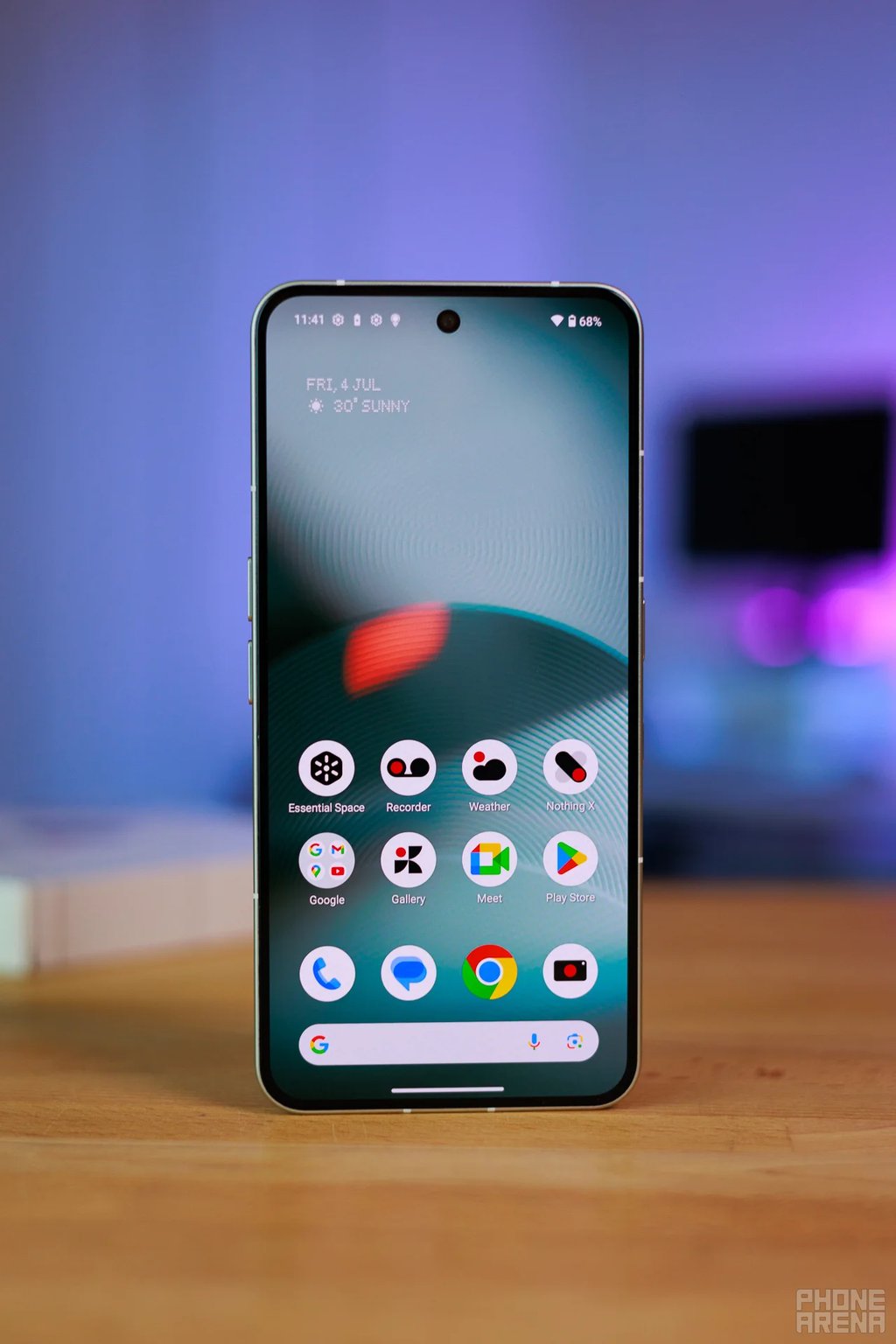
My experience with the Nothing Phone (3) has been surprisingly positive. Frequent updates introduced new features and optimizations, paving the way for a robust user experience. It has solidified my admiration for Nothing, and the prospect of using it solely for macro photography is increasingly appealing.
If you’re intrigued, be sure to read:
- Full Review of Nothing Phone (3)
- A Comparison with the OnePlus 13 - My Daily Driver
- Review of the Latest Phone (4a) Pro from Nothing