Discovering the Power of AI Select: A Game-Changer with the Galaxy S26 Ultra
The Samsung Galaxy S26 Ultra has revolutionized the way I interact with my smartphone, thanks to its advanced AI Select feature. This innovative tool integrates seamlessly into daily tasks, enhancing productivity and creativity like never before. From real-time translations to intelligent content suggestions, AI Select transforms how we engage with our devices. Join me as I explore the incredible capabilities of Samsung’s AI Select and why I will never look back.
What is Samsung AI Select?
Samsung’s Galaxy AI suite is arguably the most comprehensive collection of AI features available on a smartphone. With capabilities ranging from live translations to photo editing via simple requests, the suite truly stands out. It can also effectively summarize lengthy documents and erase unwanted noise from videos.
Core Features of AI Select
AI Select enhances your interaction by allowing you to highlight and access various kinds of content effortlessly:
- Text Extraction: Quickly select text from images or web pages for translation, summaries, or copying.
- Smart Suggestions: Automatically identifies useful content such as addresses, dates, and phone numbers for easier access.
- Creative Editing: Send images to Photo Assist for extensive editing or convert video clips into GIFs of up to 30 seconds.
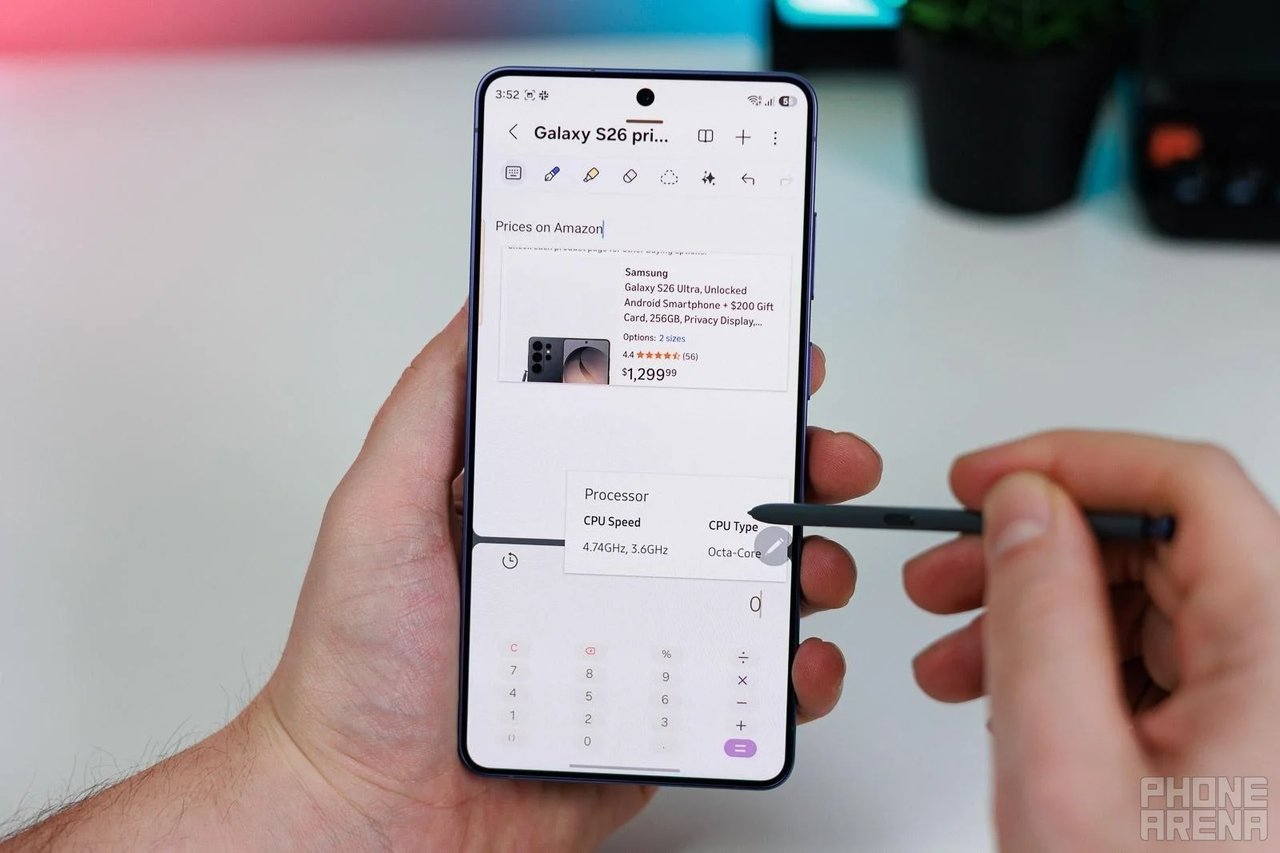
- Pinning: Pin part of an app on your screen, ensuring critical information remains visible while you work.
- Search: In Galaxy Books, easily draw around objects to instantly search for related information or scan QR codes.
Effortless Text Extraction
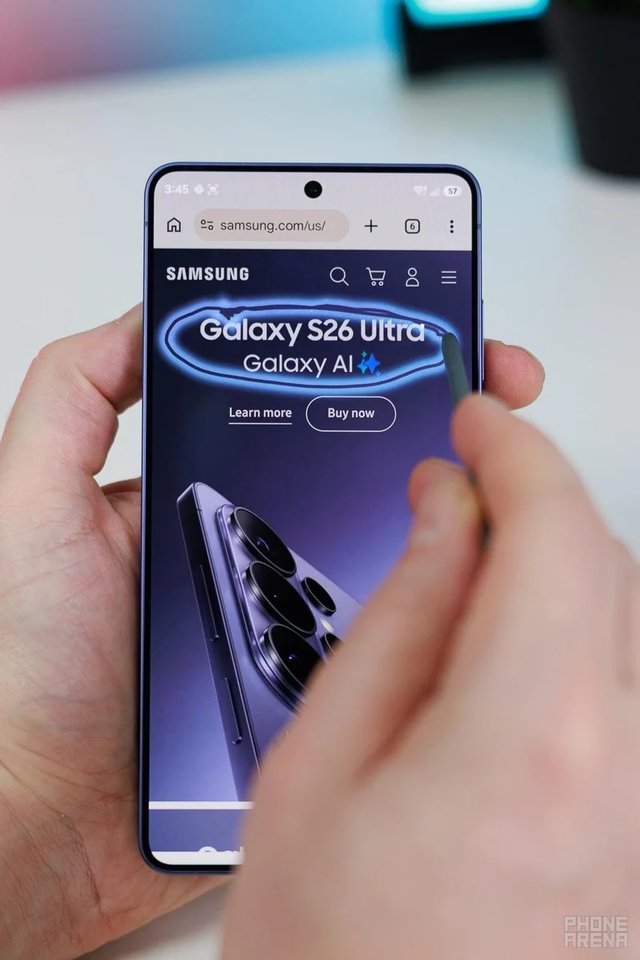
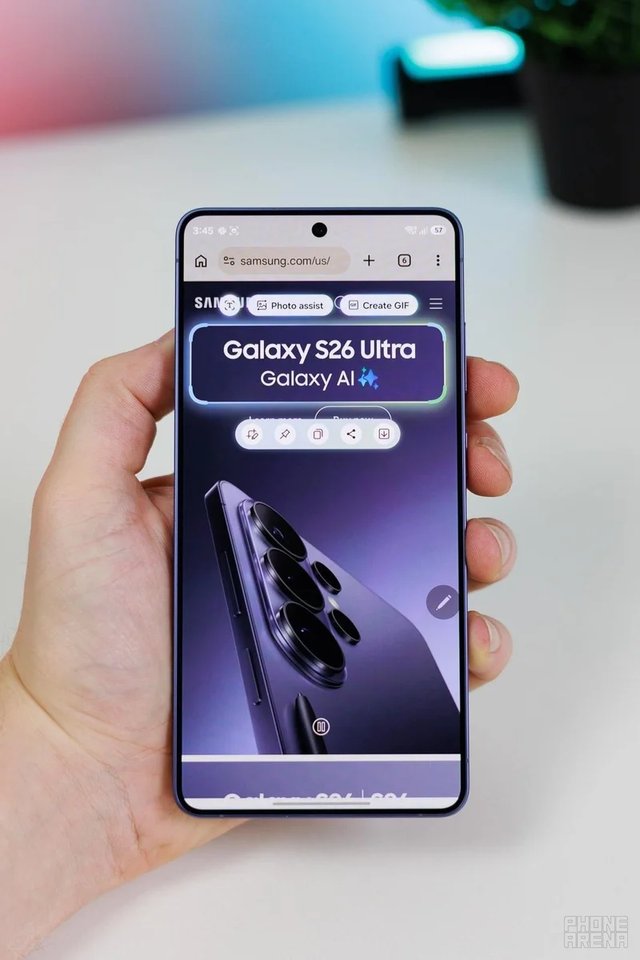
AI Select allows for quick and smart unit conversions—easily transforming measurements to fit your needs.
Multitasking Made Simple
Unleashing Creativity
Use AI Select to re-imagine images as illustrations or sketches, enhancing your creative workflow.
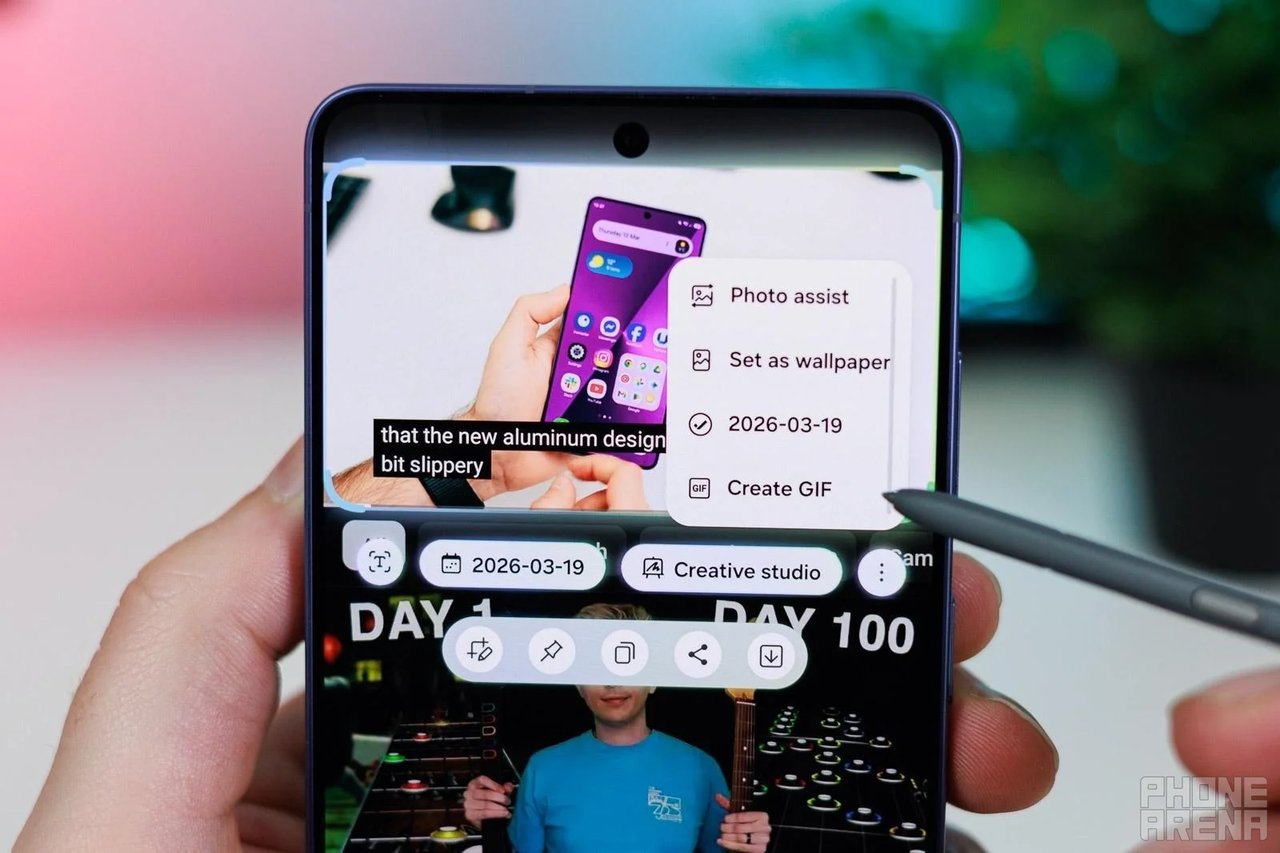
How to Access AI Select
Getting started with AI Select is easy:
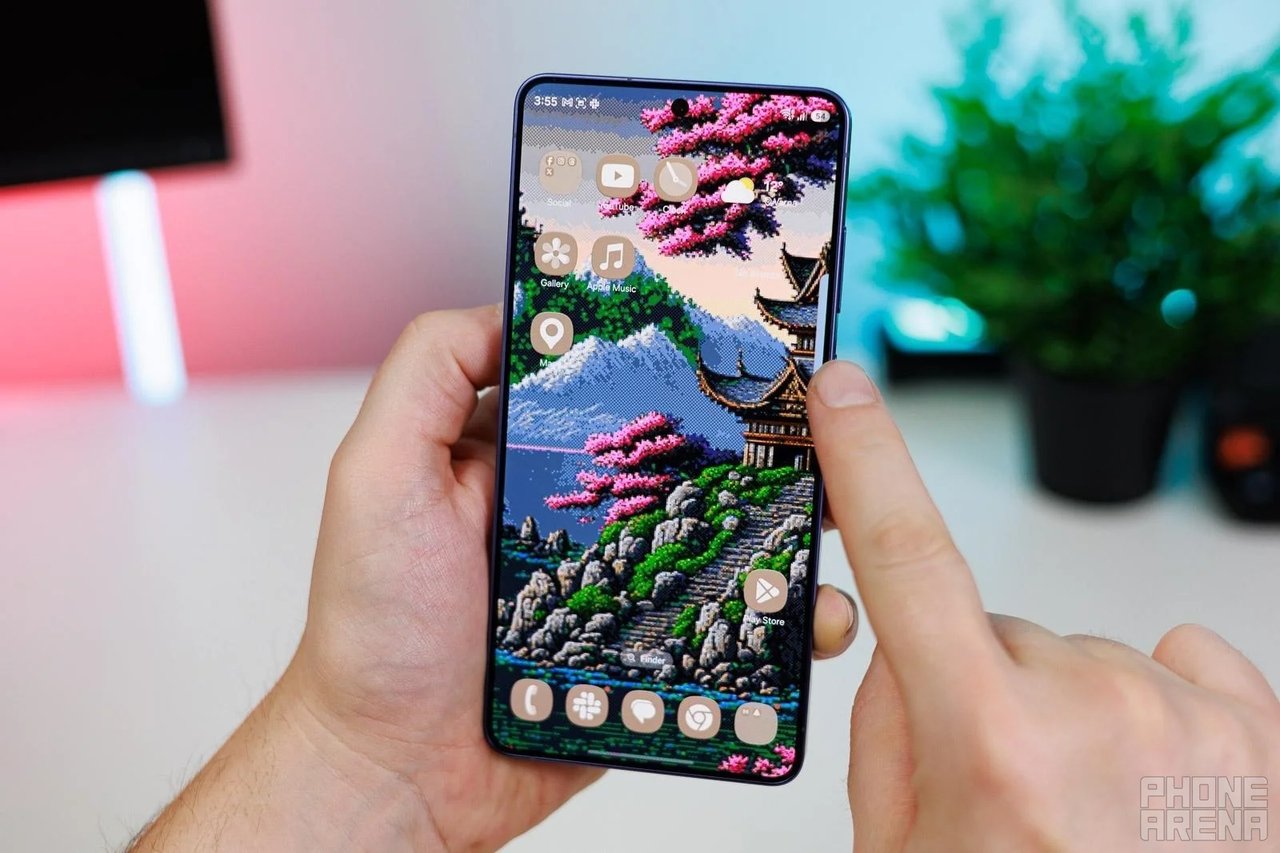
Simply hold the Edge handle to launch the feature or find it in the screenshot toolbar.
Frequently Asked Questions
Which devices support AI Select?
The AI Select feature is integrated into the Galaxy AI suite, available to various Samsung devices.
Is AI Select free to use?
Yes! AI Select is currently free for all Samsung users.
Can I remove AI Select from my Edge Panel?
AI Select features are permanently integrated into the Edge Panel.
To customize your Air Command menu, pull out your S Pen and tap the floating icon. From there, tap the “+ Add” button to edit your shortcuts.
Note: Creative Studio requires a network connection and Samsung account login. Output accuracy is not guaranteed. For Photo Assist, a watermark is applied to generated images to indicate they were created using Galaxy AI.