Unlocking Samsung's Privacy Display: Tips and Tricks for Enhanced Security
Samsung's Privacy Display feature on the Galaxy S26 Ultra has sparked various reactions since its launch. While many initially doubted its effectiveness compared to traditional privacy screen protectors, recent tests reveal that it holds its own. In this article, we'll explore the features of the Privacy Display, how to customize it to suit your needs, and the vital considerations to maximize your privacy while using your smartphone.
Effectiveness of the Privacy Display
Upon trying out the Galaxy S26 Ultra with Privacy Display, I was taken aback by my initial impressions, as it didn’t seem as effective as previously showcased versions. However, further testing demonstrated that the feature is indeed comparable to conventional privacy screen protectors.
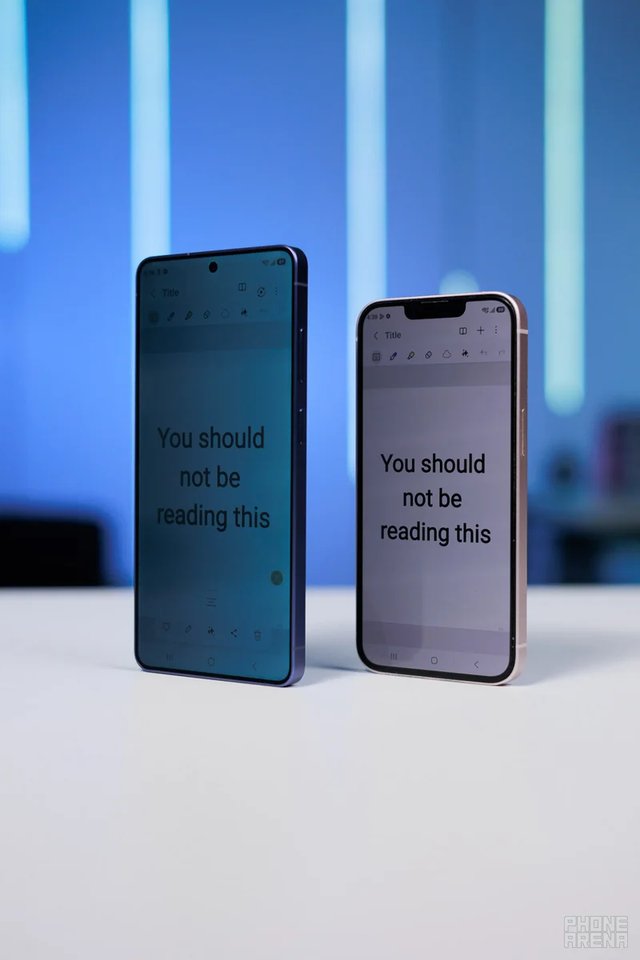
Comparing Privacy Display with a regular privacy screen protector
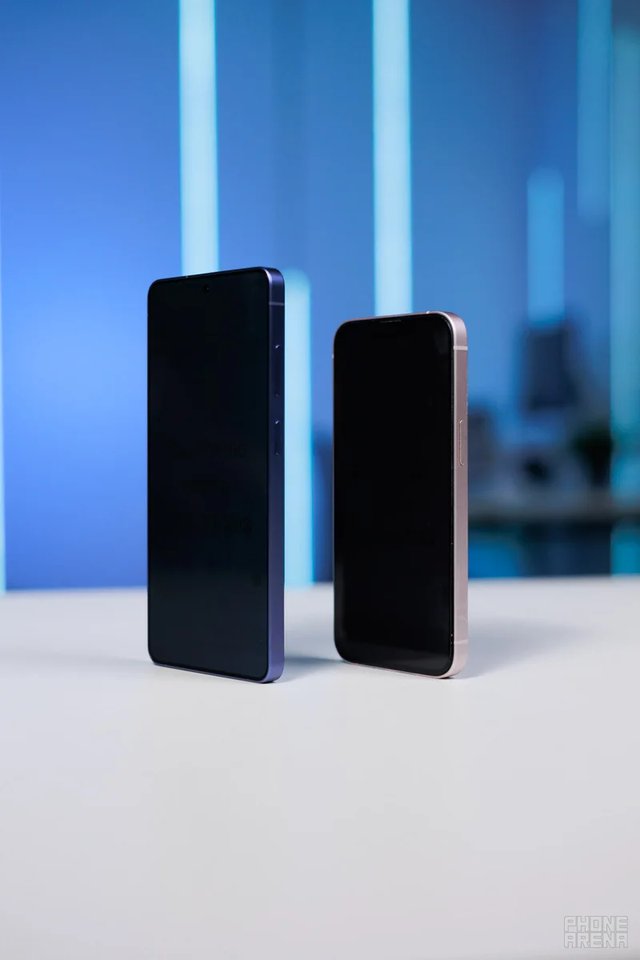
Another comparison of the Privacy Display feature
Fine-Tuning Your Privacy Display Experience
To enhance your experience with the Privacy Display, consider customizing the settings. This allows you to make the most out of its privacy features.
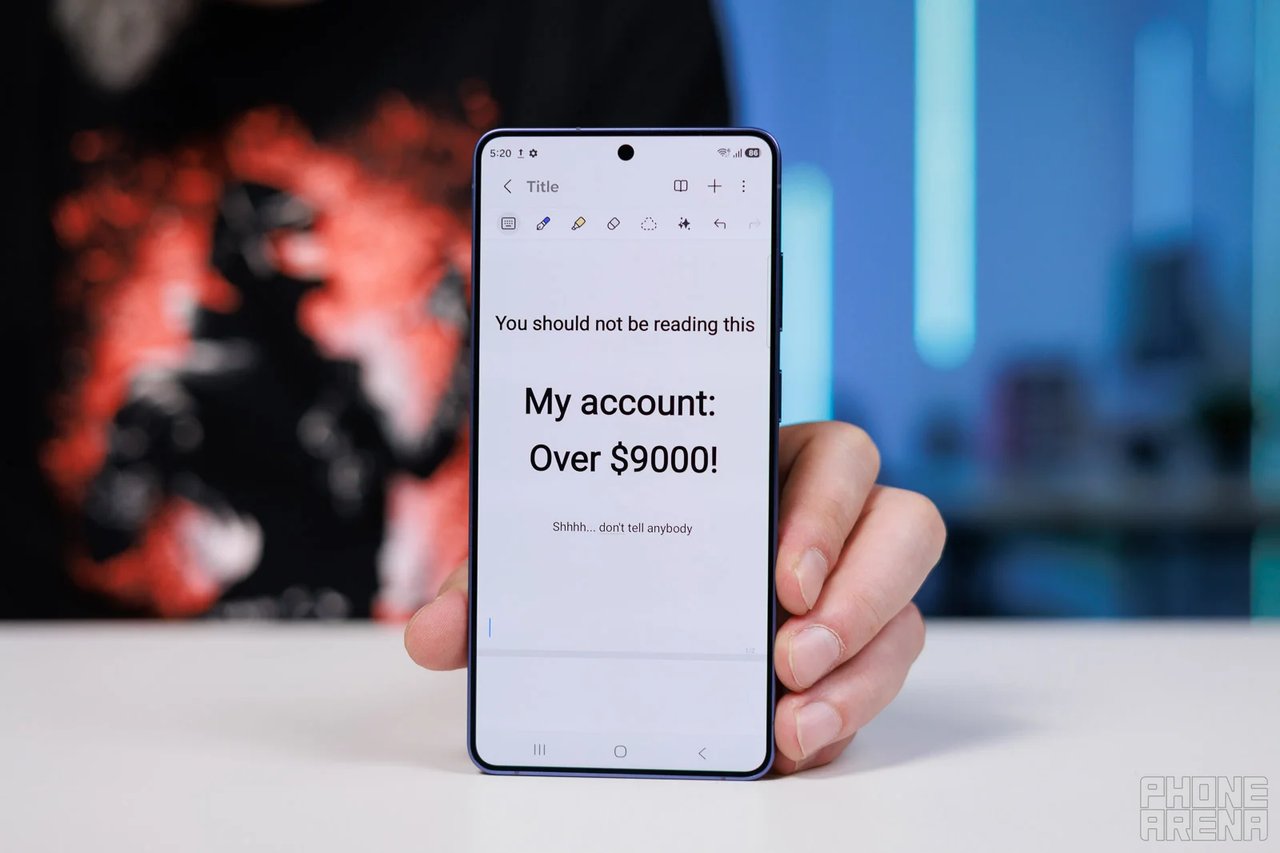
Setting Up Banking App Privacy
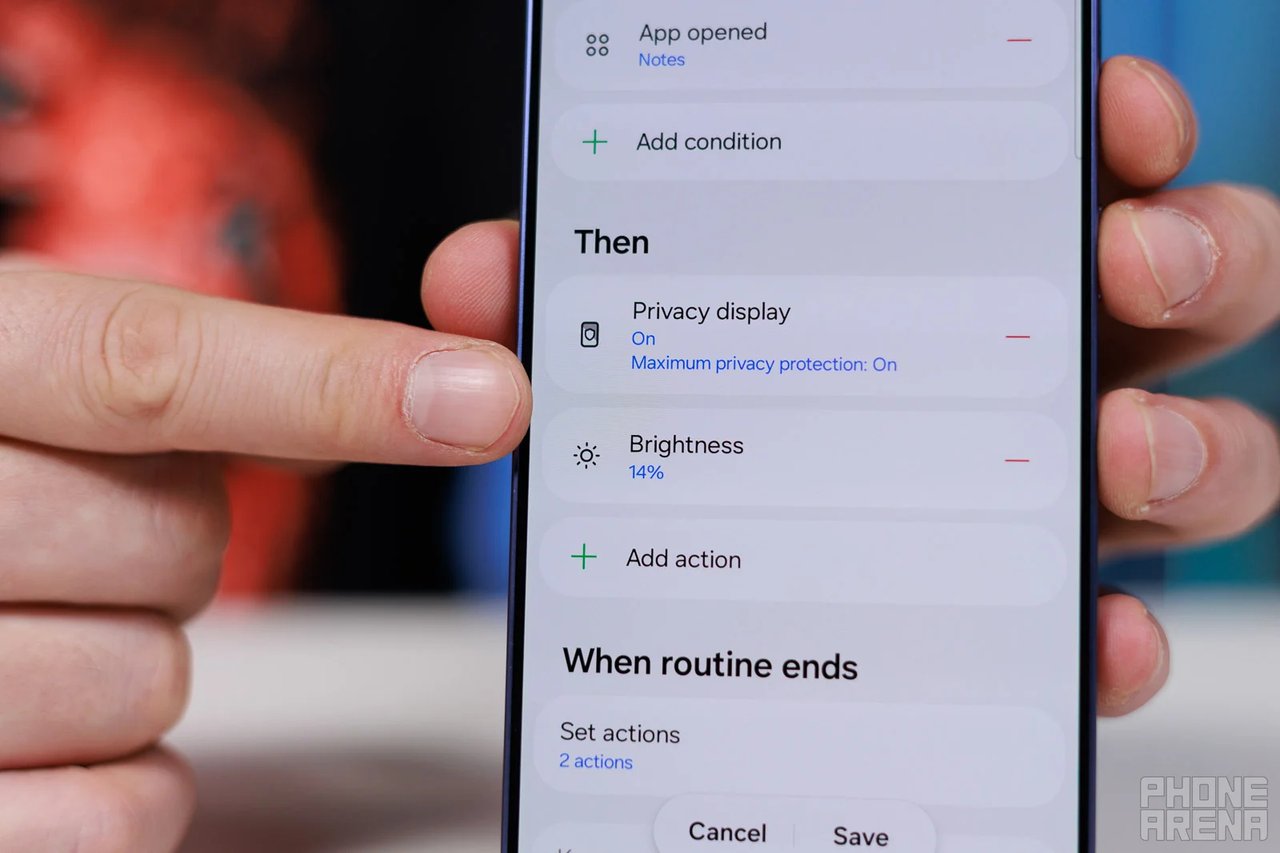
You can configure the Privacy Display to activate automatically when you access specific apps. For instance, it will turn on at maximum privacy settings when you open your banking app and will switch off when you return to the home screen.
Adjusting Brightness for Optimal Viewing
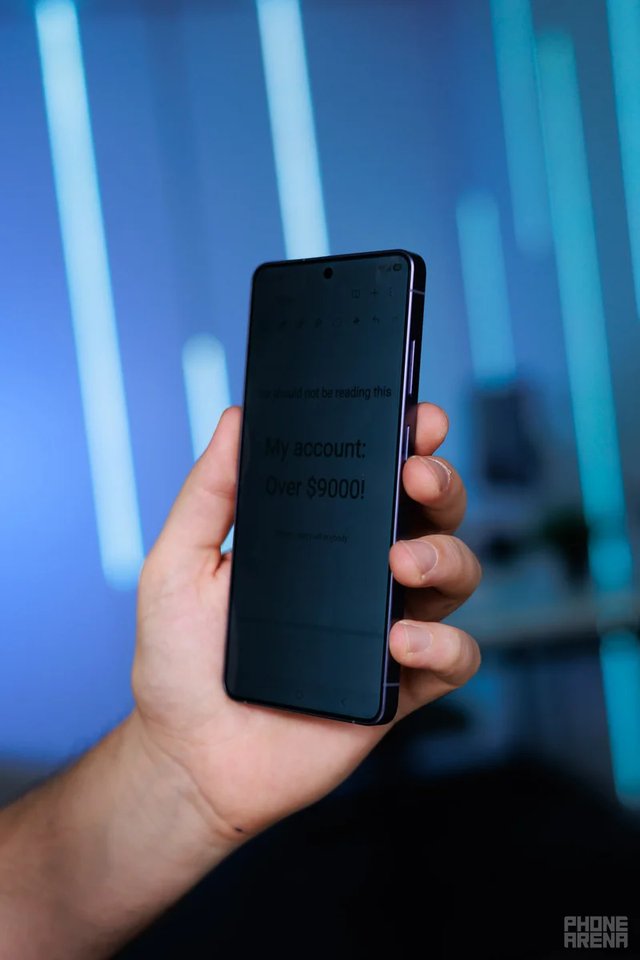
Example of high brightness settings
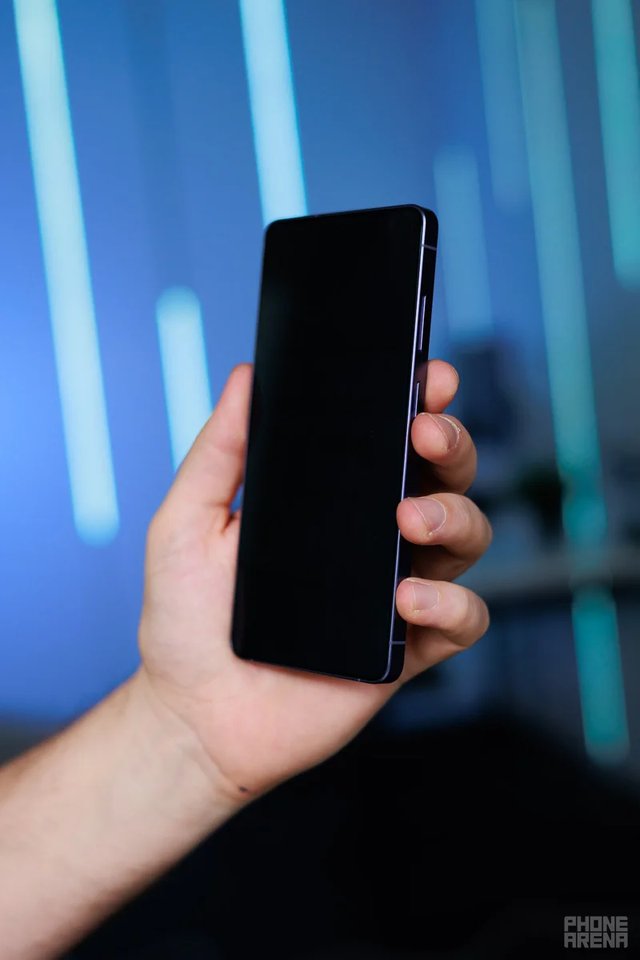
Example of low brightness settings
Automating Brightness Adjustments
Understanding Viewing Angles
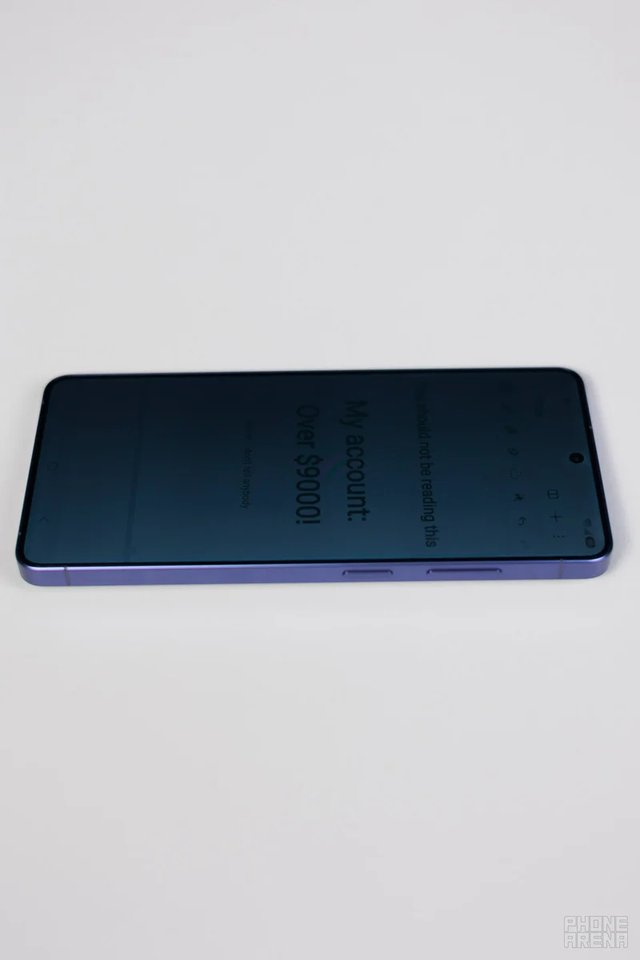
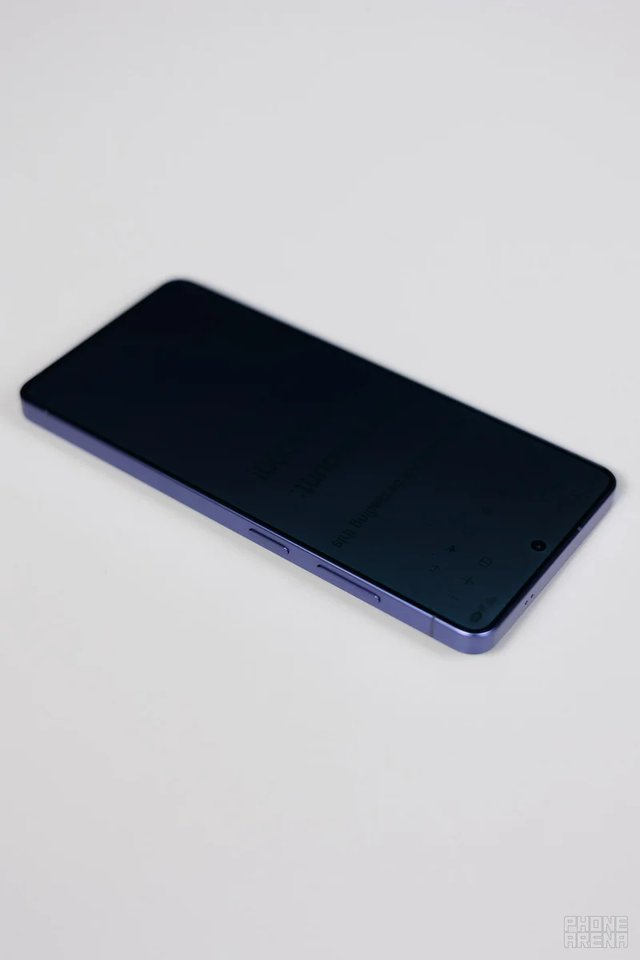
The effectiveness of the Privacy Display can be affected by viewing angles. Keeping the phone close and maintaining a perpendicular line of sight can improve privacy.
Final Thoughts
While Samsung's Privacy Display is not a complete replacement for traditional privacy screen protectors, it provides a solid alternative with certain advantages. By adjusting the settings and being mindful of how you use your device, you can enhance your data privacy effectively.