Important Manual Updates for Your Samsung Galaxy Phone You Might Be Overlooking
For Samsung Galaxy users, staying up-to-date with the latest software is essential for optimal performance and security. Recently, Google has released updates for three vital system apps that often fly under the radar - Android System SafetyCore, Android System WebView, and Google Play Services. These updates do not appear in the usual Play Store list, requiring users to install them manually. Whether you own a Galaxy S26 Ultra or an older Samsung model, it’s important to ensure these applications are current to keep your device functioning smoothly.
Latest Updates from Google for Galaxy Phones
Why These Updates Are Crucial
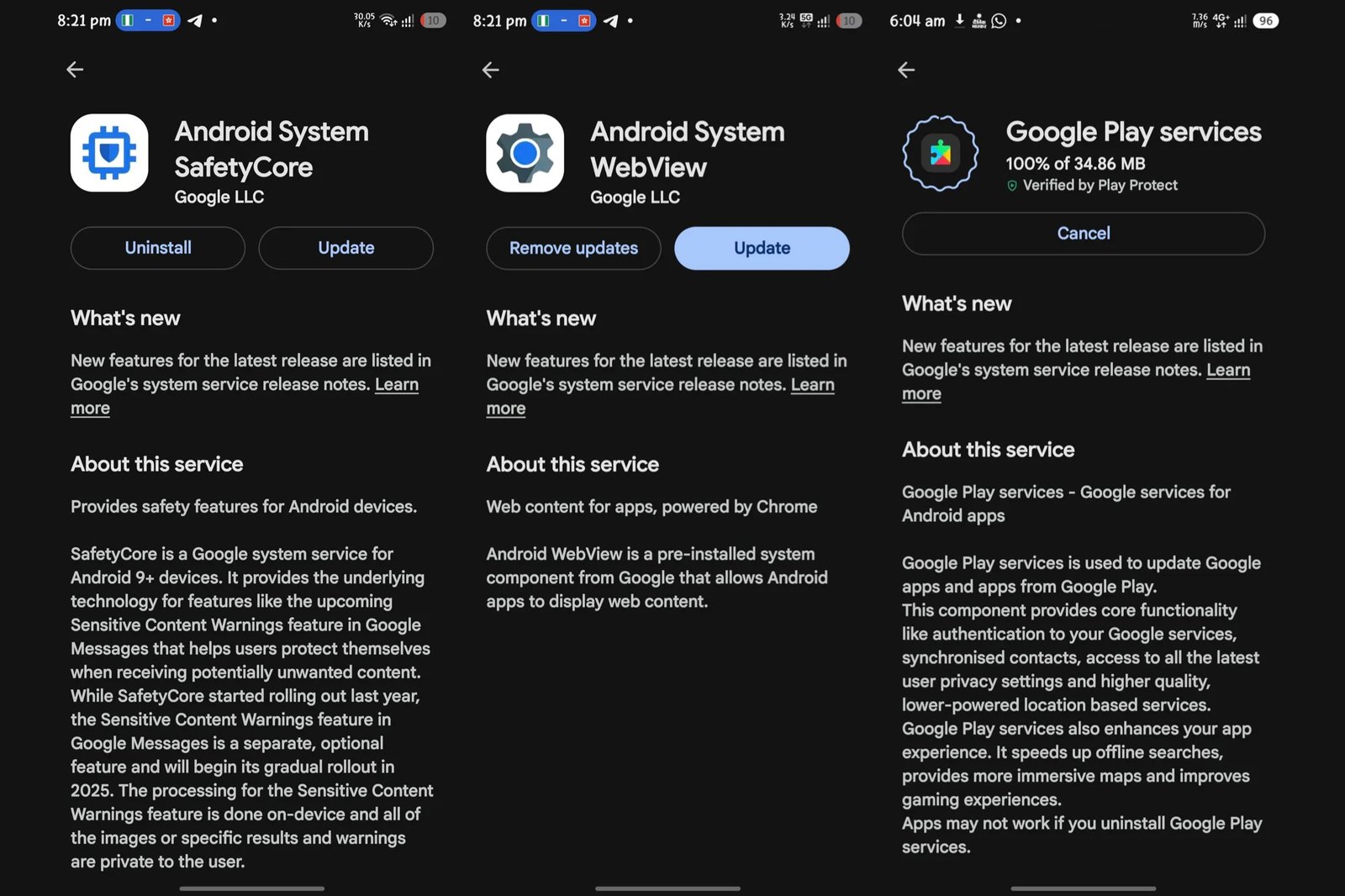
The essential Google apps - SafetyCore, WebView, and Google Play Services - each require manual updates.
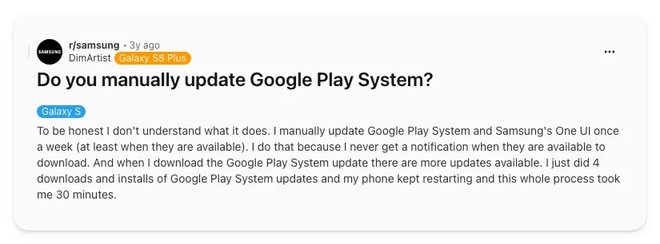
Countless Galaxy owners have had to manually update Google Play System without understanding the necessity.
Who Should Update Right Away
How to Manually Update These Apps
- Open the Settings app, then select Apps.
- Search for the app: Android System SafetyCore, Android System WebView, or Google Play Services, and tap on it.
- Scroll down, select App details in store, then click Update on the Play Store page.
- Repeat these steps for the other two applications.
The One Update Worth Your Time
Further reading about Samsung devices before you proceed:
- Explore our detailed review of the Galaxy S26 Ultra, examining its strengths and areas for improvement.
- Considering alternatives? Check out our roundup of the best Pixel phones available right now.
- For more insights, follow me on X and Threads - @jojothetechie for tech updates and exclusive content.