Introducing an Enhanced Gemini Experience
Google's latest update to the Gemini platform takes personalization to a new level by integrating multiple applications for a seamless user experience. By emphasizing connectivity with popular services such as Gmail and Google Photos, Gemini aims to evolve beyond a basic search function into a comprehensive digital assistant that understands and adapts to individual user needs.
Explore More Insights
Video Source — Google
Activating Gemini's Features
For those subscribed to the paid version and eager to explore the beta features, you can enable them manually through the following steps:
- Open the Gemini app and access the Settings section.
- Tap on the new Personal Intelligence menu.
- Select Connected Apps to designate which services (e.g., Gmail, Photos) Gemini can link with.
A Smart Companion
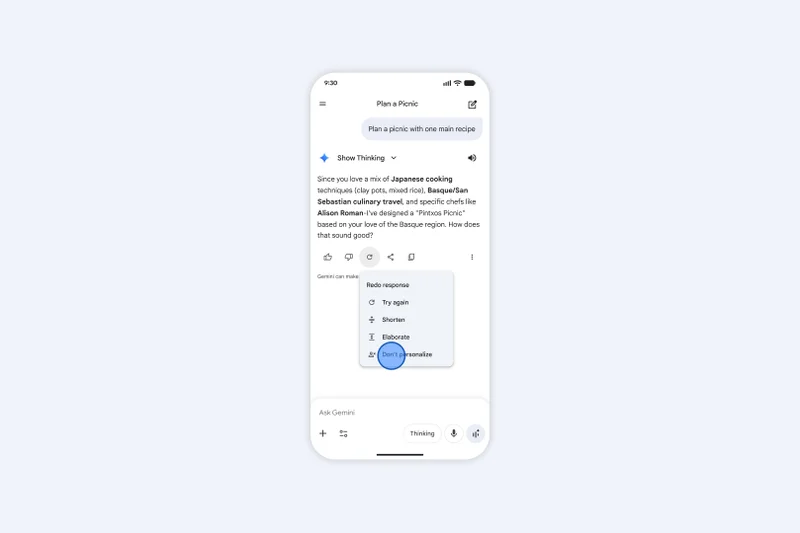

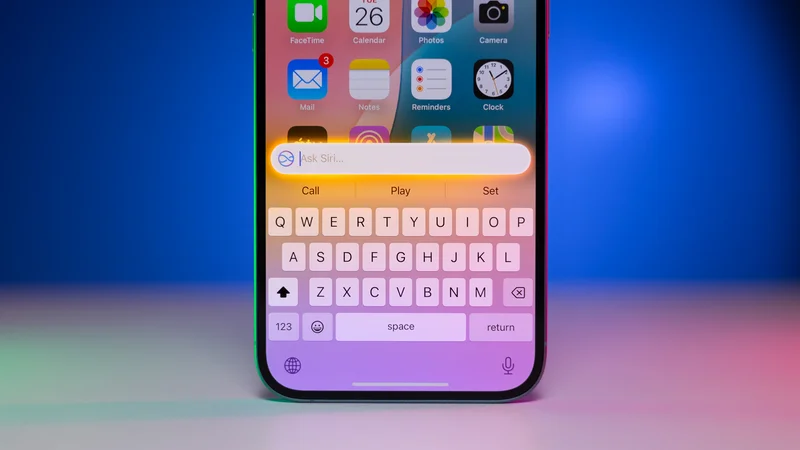
Traditionally, AI chatbots have excelled at providing general knowledge but have struggled with personalization. The new Gemini update seeks to address this issue by utilizing Google's vast ecosystem, which many users already rely on for daily tasks. This enhancement aims to make Gemini not just an alternative search engine but a genuinely practical assistant, paralleling Apple Intelligence's focus on on-device personal context.
Share Your Thoughts
Are you comfortable with Gemini accessing your personal emails and photos?
Responses:
Yes: 14.29%
No: 28.57%
On the fence: 57.14%
I don't use it enough: 0%
Total Votes: 7
Back to Voting


