Google Maps Enhances Navigation with Landmark-Based Directions
Google Maps has recently introduced a significant update that makes navigation easier and more intuitive for users on both Android and iOS devices. This update comes as a response to feedback from users who found distance-based directions challenging to interpret. The app now utilizes identifiable landmarks to guide drivers effectively, offering a more visual and straightforward approach to navigation.
User Poll: Which Mapping App Do You Prefer?
The latest feature in Google Maps allows it to mention local landmarks, such as restaurants and gas stations, in its navigation instructions. For example, instead of saying "turn left in three-quarters of a mile," the app might say, "turn right after the Thai Siam Restaurant," with the restaurant highlighted on the map as you approach it. This change aims to create a more user-friendly experience while driving.
Recommended Articles

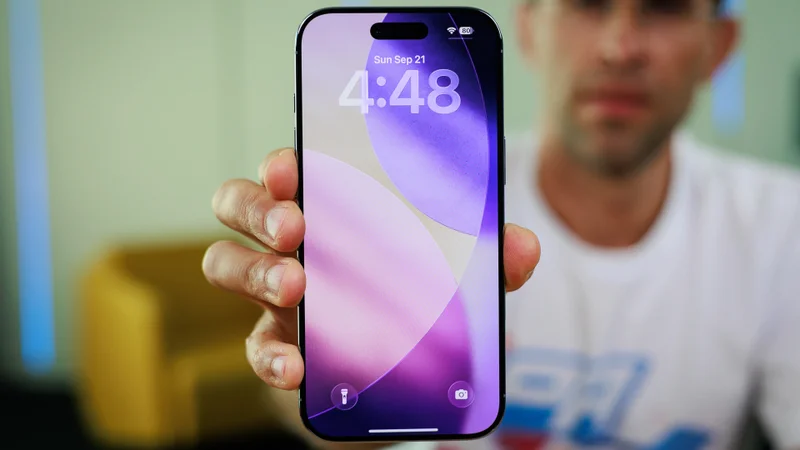

According to Google, these landmarks are chosen based on a sophisticated analysis of over 250 million locations and cross-referencing with Street View images, ensuring that users receive useful guidance as they navigate. This feature has already been noted in the latest iOS version on devices like the iPhone 15 Pro Max, although some landmarks may still be hard to spot.
Revamped Settings Menu Streamlines User Experience
In addition to the navigation updates, Google Maps has also redesigned its Settings menu to be more streamlined. Instead of a lengthy, confusing format, the new menu categorizes settings into seven distinct sections for easier access:
- App & Display: Theme, map controls, accessibility
- Navigation: Driving, walking, transit
- Your Vehicles: Engine type, connected vehicles
- Location & Privacy: Timeline, Maps history, profile
- Offline Maps: Download options, updates
- Notifications: Reminders, recommendations
- About & Terms: Google Maps version, licenses, legal notices
To access the new Settings menu, users should open the Google Maps app and tap on the profile picture next to the search bar. These updates are currently rolling out and can be seen in the latest version of Google Maps for both Android and iOS.
Adapting to User Preferences on Different Platforms
This fresh update reflects Google’s commitment to continuously improve its Maps application. While statistics reveal a preference for Apple Maps among iPhone users in the U.S., globally, Google Maps maintains a healthy lead due to its extensive information on transit options and businesses. Users can expect more improvements and features as Google works towards enhancing the overall experience of Google Maps.