Introducing Cellik: The New Android Trojan That Blends into Trusted Apps
Security researchers at iVerify have uncovered a dangerous new remote access Trojan (RAT) named Cellik, which is capable of hiding within legitimate Android applications. Unlike typical malware, Cellik can be bundled with apps found on the Google Play Store or distributed via sideloading, making it especially challenging to detect.
Surfshark VPN: 88% Off 24-Month Subscription
Once installed onto an Android device, Cellik grants attackers full control remotely. It can stream the victim’s screen in real-time and even operate the phone remotely — making it a potent tool for spying and data theft.
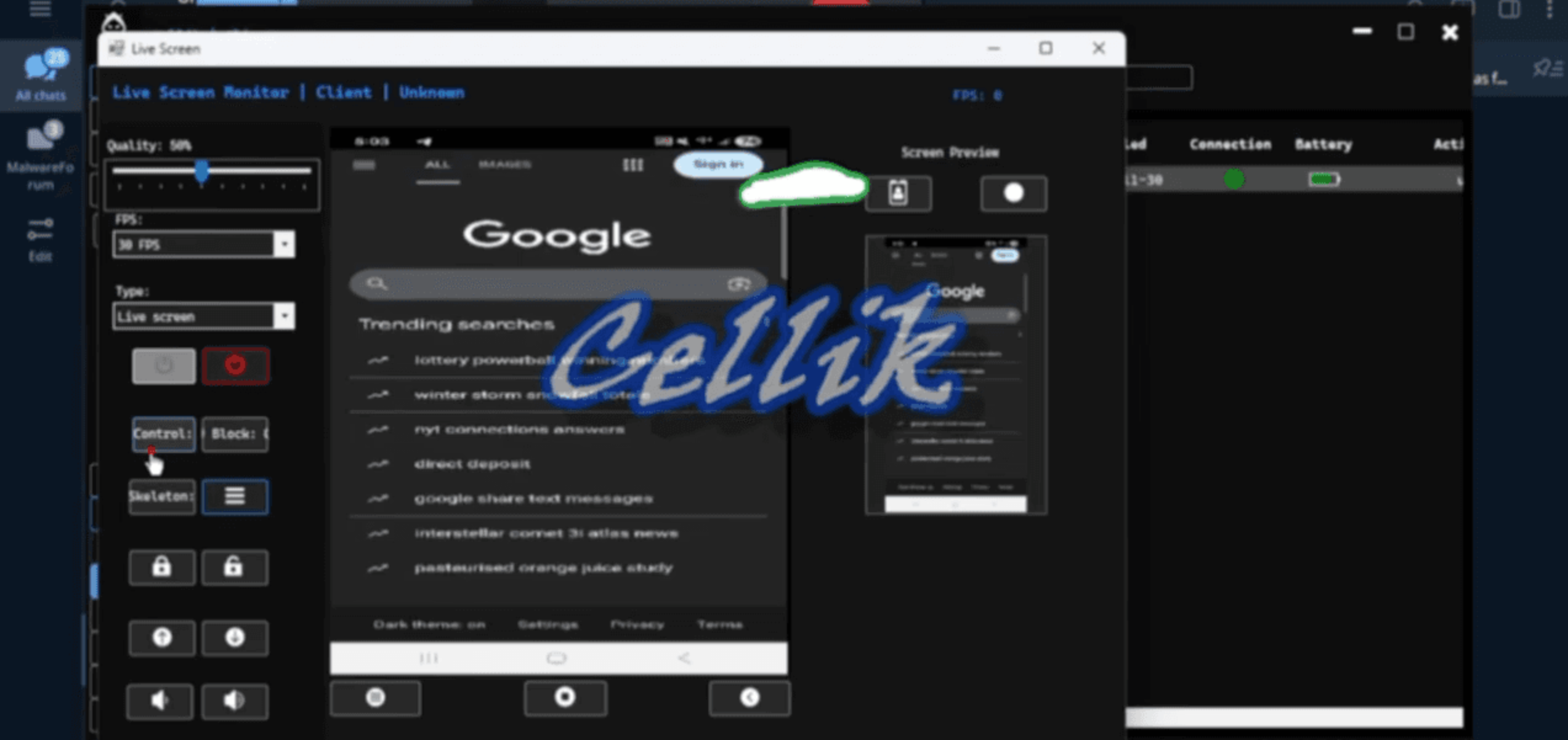
Cellik also features a built-in keylogger, allowing hackers to capture everything you type. Beyond that, it can access notifications, including one-time passcodes, and explore your phone’s entire file system. This includes sensitive browser data such as cookies and saved credentials, putting your personal information at grave risk.
These malicious apps often reach users through sideloading — downloading apps from unofficial sources outside the Google Play Store. Once installed, the malware operates stealthily in the background to compromise your device. Importantly, this attack doesn’t rely on exploits but rather social engineering and your trust in apps.
Would This Change How You Download Apps on Android?
Vote Results (51 Votes):
- Yes, I’ll only use the Play Store: 35.29%
- I already avoid sideloading: 31.37%
- No, I will sideload when needed: 27.45%
- I wasn’t aware this was possible: 5.88%
Protect Yourself From Malware Like Cellik
The best defense against threats like Cellik is caution. Always verify where your apps come from, and avoid installing anything from untrusted websites or sources offering “free” or heavily discounted paid apps. Download apps exclusively from trusted stores, and be skeptical of anything that seems too good to be true. Your bank details, passwords, and private information simply aren’t worth the risk.


