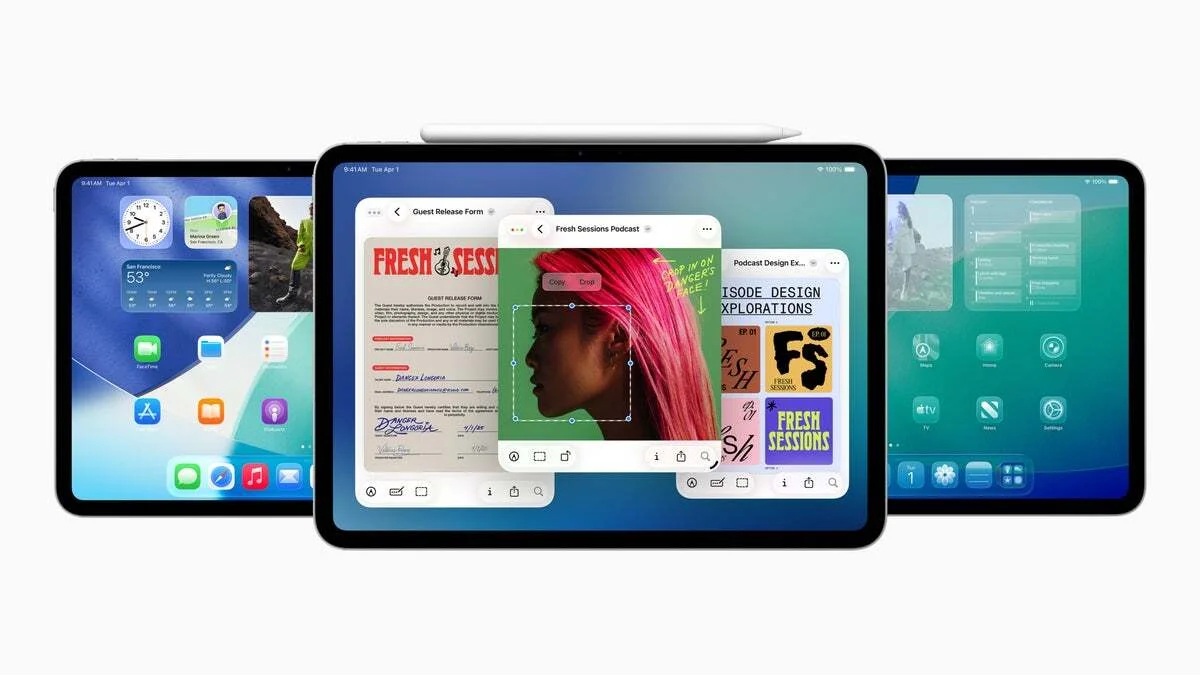
Apple has rolled out iPadOS 26.2, a fresh update focused on refining the user experience through subtle but meaningful improvements. While it doesn’t pack a heavy dose of new features, this release brings back fan-favorites, introduces customization tweaks, and enhances usability in key areas, promising a smoother and more enjoyable iPad experience overall.
iPadOS 26.2 is now available, bringing back Slide Over and more refined features
One of the notable additions in iPadOS 26.2 is the return of the Slide Over feature, which had been missing since iPadOS 26’s launch. Previously, users couldn’t quickly bring apps into Slide Over using drag-and-drop gestures, but this functionality is restored in the latest update, giving multitaskers better control and convenience.
AirDrop settings receive a useful update as well. You can now go to Settings > General > AirDrop and tap on Manage Known AirDrop Contacts to generate a one-time code. Sharing this code grants others temporary AirDrop access for up to 30 days before it automatically expires, adding a layer of control and security.
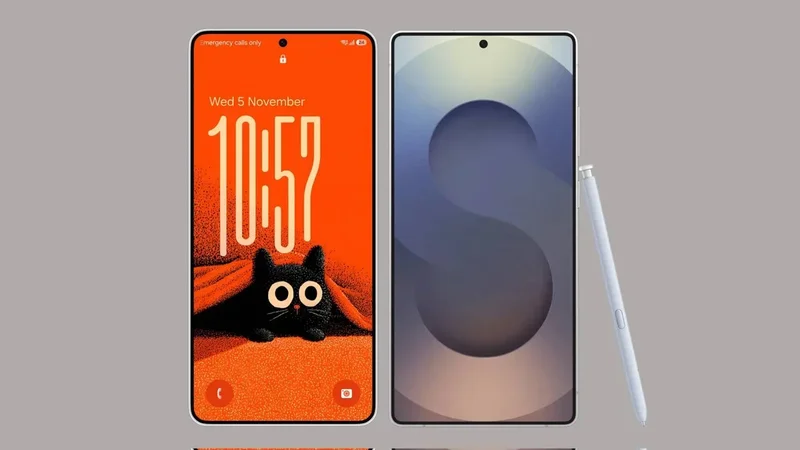
The Liquid Glass aesthetic has been enhanced with a new slider for customizing the Lock Screen’s clock transparency. Alongside this, animations throughout the OS have been polished to create a more fluid and visually pleasing experience.
Gaming gets smarter and easier to manage
The Games app now features filtering options by category, size, and more, making it simpler to discover new games. Real-time score tracking for multiplayer challenges has been added, which should thrill competitive players. Additionally, controller support has been introduced, allowing users to navigate the app seamlessly with game controllers — a welcome upgrade for avid gamers.
Supported devices for iPadOS 26.2
The update is compatible with a wide range of iPads, including:
- iPad mini (5th and 6th generation, including A17 Pro)
- iPad (8th, 9th, 10th generation, including A16)
- iPad Air (3rd, 4th, 5th generation; 11-inch and 13-inch models with M2 and M3 chips)
- iPad Pro 11-inch (1st through 4th generation; M4 and M5)
- iPad Pro 12.9-inch (3rd through 6th generation)
- iPad Pro 13-inch (M4 and M5)
Community feedback on iPadOS 26.2
Users seem to appreciate the subtle but practical refinements, with 40% indicating they like these small improvements. Another 20% wished for more features, while 20% feel the update doesn’t change much for them. The remaining 20% haven’t updated yet.